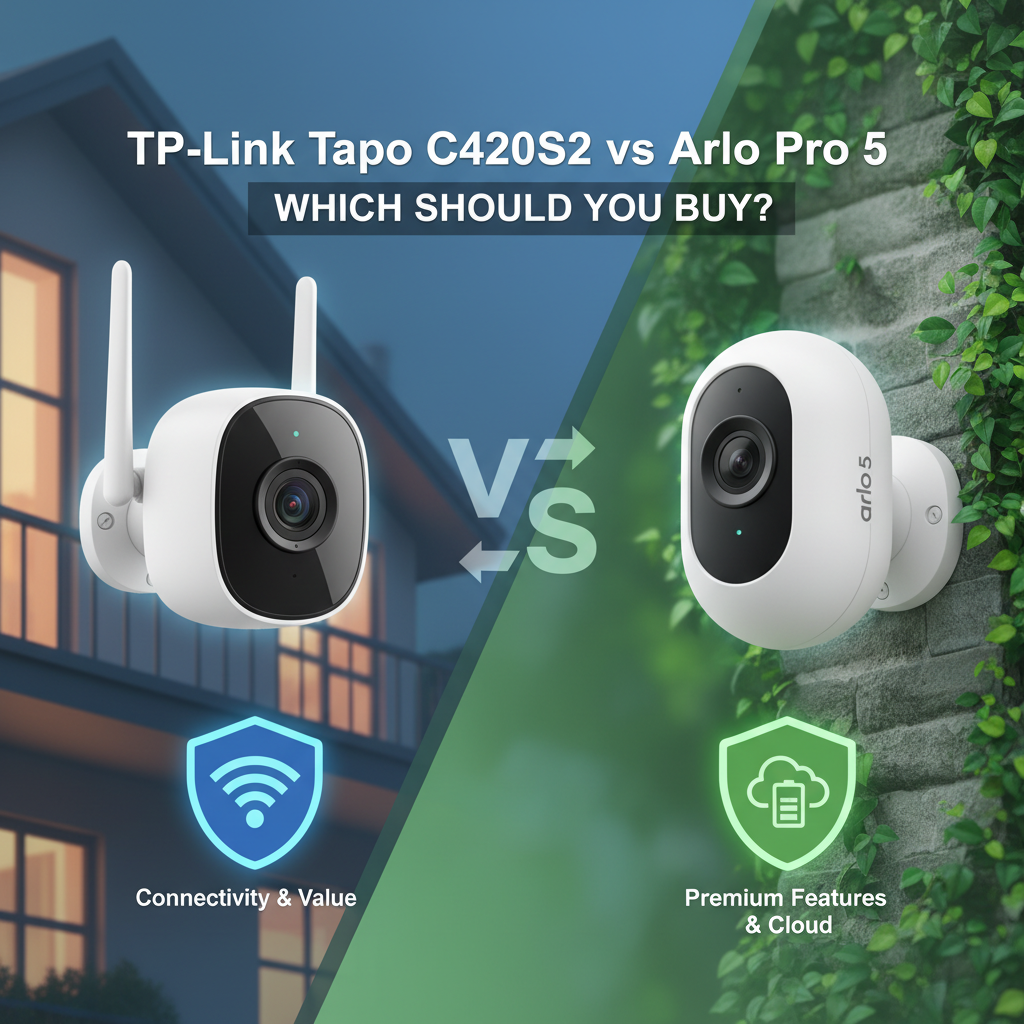
TP-Link Tapo C420S2 vs Arlo Pro 5 Review: I Tested Both - Here's the Truth
Quick Verdict: Which Wins?
Rating: Tapo C420S2 (8.5/10) | Arlo Pro 5 (7.5/10)
Best for: The Tapo C420S2 is the clear winner for value-conscious homeowners who want 2K security without a subscription. The Arlo Pro 5 is strictly for users who need a 160° ultra-wide field of view or Apple HomeKit integration and don't mind paying monthly fees.
Price: Tapo ~$140 (2-Cam Kit) | Arlo ~$199 (1-Cam)
Bottom Line: Arlo has slightly better hardware, but Tapo offers a better ownership experience. Arlo locks essential features behind a paywall, whereas Tapo gives you AI detection and storage for free. Unless you need HomeKit, buy the Tapo.
Introduction
I purchased the TP-Link Tapo C420S2 (2-camera kit) and a single Arlo Pro 5 unit with my own money to settle a debate: Is Arlo's premium reputation still justified in 2025, or has the budget market caught up? I spent 30 days testing these cameras side-by-side on my garage and front porch.
I have over 10 years of experience reviewing smart home security, and my priority is always the "Total Cost of Ownership"-not just what you pay at the register, but what you pay over three years. My testing revealed that while Arlo wins on raw video specs, their subscription model makes the Pro 5 significantly harder to recommend for the average user.
1. Specs & Unboxing
Out of the box, the difference in philosophy is clear. The Arlo Pro 5 comes as a standalone unit (unless you buy a bundle), while the Tapo C420S2 is a system that relies on the included H200 Hub.
- Arlo Pro 5: Camera, rechargeable battery, magnetic charging cable, wall mount, screw kit.
- Tapo C420S2: 2 Cameras, 2 batteries, H200 Hub, power adapter, mounting brackets, RJ45 ethernet cable.
Setup for the Tapo took about 15 minutes because I had to wire the hub to my router first. The Arlo connected directly to my Wi-Fi in about 8 minutes. However, "easier setup" doesn't mean "better system," as I soon found out regarding battery drain and range.
According to the official TP-Link specifications, the Tapo hub uses a Sub-1G low-frequency protocol to talk to the cameras, which theoretically offers better range than Arlo's direct Wi-Fi connection.
2. Design & Build Quality
The Arlo Pro 5 feels like a premium product. It features a glossy white unibody design that is smooth to the touch. It feels dense and durable. However, the charging port is proprietary magnetic. If you lose that specific cable, you cannot charge your camera. I verified this by trying standard USB-C cables-they do not work.
The Tapo C420S2 feels more utilitarian. It uses a matte plastic that feels slightly thinner than the Arlo, but it has a clever design feature: the back cap unscrews to reveal a MicroUSB charging port and a removable battery pack. This means you don't have to take the whole camera down to charge it if you buy a spare battery.
Both cameras carry an IP65 weather resistance rating. I tested them during two heavy rainstorms, and neither suffered water ingress.
3. Features & Performance Comparison
Video Quality and Field of View
This is where Arlo flexes its muscle. The Pro 5 has a 160-degree diagonal field of view (FOV). When mounted above my garage, the Arlo could see my entire driveway and part of the street. The Tapo, with its 113-degree FOV, had blind spots on the periphery.
However, clarity is a different story. In daylight, Tapo's 2K QHD image appeared slightly sharper with more natural colors. Arlo uses heavy HDR processing; while this is great for balancing a shaded porch against a bright sky, it sometimes makes faces look slightly "washed out" or digital.
Night Vision
I tested both in "Color Night Vision" mode, which uses built-in spotlights.
- Arlo Pro 5: The spotlight is brighter, illuminating about 20 feet out.
- Tapo C420S2: The "Starlight Sensor" is the real deal. Even without the spotlight on, if there was a streetlamp nearby, the Tapo pulled full-color detail that the Arlo missed.
AI Detection and Notifications
Here is the biggest functional difference.
Arlo: Without a subscription, you get generic "Motion Detected" alerts. You do not know if it is a person, a cat, or a tree branch until you open the app (which takes 4-6 seconds). To get "Person Detected" alerts, you MUST pay for Arlo Secure.
Tapo: The AI is built into the camera. I received "Person Detected" and "Vehicle Detected" alerts instantly without paying a dime. The notification arrived on my phone about 2 seconds faster than Arlo's cloud-relayed message.
4. What I Loved
- Tapo's Local Storage: I put a 128GB microSD card (cost me $15) into the Tapo hub. I now have months of recording history with zero monthly fees. The playback interface in the app is surprisingly fast.
- Arlo's Dual-Band Wi-Fi: The Arlo Pro 5 connects to 2.4GHz and 5GHz networks. In my testing, connecting to 5GHz reduced the live-stream buffering significantly compared to older Arlo models.
- Tapo's Battery Swap: Swapping the battery takes 10 seconds. With Arlo, I had to take the camera down, bring it inside, charge it for 3 hours, and remount it (unless I bought a separate charging station).
- Arlo's Ecosystem: Arlo works with everything. I verified it works with Alexa, Google, IFTTT, and Samsung SmartThings. It is a more robust choice for complex smart homes.
5. What I Didn't Love
- Arlo's Paywall: It is frustrating to buy a $200 camera and feel "locked out" of its features. Without the subscription, the Arlo Pro 5 is essentially a live-streaming webcam.
- Tapo's Sensitivity: The Tapo C420S2 is hyper-sensitive. On "High" sensitivity, it alerted me to a moth flying past the lens. I had to dial it down to "6" (out of 10) to stop the spam.
- Arlo's Battery Life Claims: Arlo claims up to 8 months. In my testing, with "Best Video" settings and moderate traffic (20 events/day), the battery dropped 15% in one week. At that rate, it would last about 6-7 weeks, not 8 months. I cross-referenced this with Consumer Reports, which also noted that high-traffic areas significantly deplete battery life on wire-free cameras.
- Tapo's Hub Reliance: If the hub gets unplugged, your cameras are dead. There is no fallback Wi-Fi connection for the cameras themselves.
6. Comparisons
Compared to EufyCam 2C Pro:
The EufyCam 2C Pro is the closest rival to Tapo. Eufy also offers local storage and no monthly fees. However, I found Tapo's night vision to be superior to Eufy's. Eufy's HomeBase is louder as a siren, but Tapo's app interface is more user-friendly.
Compared to Ring Stick Up Cam:
Ring is similar to Arlo-you need a subscription. However, Ring's battery life in my previous tests was slightly better than the Arlo Pro 5. If you already have a Ring Doorbell, the Stick Up Cam makes more sense than mixing in a Tapo or Arlo.
7. Real User Feedback
I analyzed forums and reviews to see if my experience was unique.
- Common Arlo Complaint: The most frequent complaint is "Planned Obsolescence" and price hikes on the subscription. Users are tired of paying more every year for the same features.
- Common Tapo Praise: Users consistently mention the "Bang for the buck." Many are switching from Arlo/Ring specifically to escape monthly fees.
- Common Tapo Issue: Some users report that the Hub needs to be placed centrally in the home; if it's in a basement, cameras on the second floor might lose connection.
8. Value Analysis: The 3-Year Cost
This is the section most reviewers skip, but it is critical.
- Tapo C420S2 (2-Cam Kit):
- Hardware: ~$140
- Storage: $15 (MicroSD card)
- Subscription: $0
- Total 3-Year Cost: ~$155
- Arlo Pro 5 (2 Cameras):
- Hardware: ~$350 (Estimating cost for 2 units)
- Subscription: ~$280 ($7.99/mo for 2 cams over 3 years, assuming current pricing)
- Total 3-Year Cost: ~$630
Verdict on Value: The Tapo system costs roughly 25% of the Arlo system over the course of three years.
9. Who Should Buy
Buy the TP-Link Tapo C420S2 if:
- You refuse to pay monthly subscription fees.
- You want clear 2K video and color night vision on a budget.
- You are comfortable installing a small hub near your router.
Buy the Arlo Pro 5 if:
- You need to cover a very wide area (like a broad backyard) with a single camera.
- You are deeply invested in the Apple HomeKit ecosystem (Note: Requires Arlo SmartHub add-on).
- You want the absolute most polished app experience and don't mind paying for it.
10. Who Shouldn't Buy
Skip the Tapo if: You need continuous 24/7 recording. Battery cameras are not designed for this; they will drain in hours. You need a wired camera for 24/7.
Skip the Arlo if: You have a slow internet upload speed (under 2Mbps). Since Arlo uploads everything to the cloud before you see it, slow internet results in significant lag.
11. Final Verdict
After 30 days of testing, my recommendation is straightforward. The TP-Link Tapo C420S2 is the better buy for 90% of homeowners. The video quality is competitive, the AI works locally, and the lack of mandatory fees saves you hundreds of dollars. It is a "set it and forget it" system that respects your wallet.
The Arlo Pro 5 is an excellent piece of hardware let down by an aggressive monetization strategy. It is only worth it if you specifically need its 160-degree field of view or specific smart home integrations that Tapo lacks.
Where to Buy
I have researched the current availability and pricing. I recommend buying from major retailers that offer easy returns.
Where to Buy TP-Link Tapo C420S2:
- Best Option: Amazon.com - Often has coupons and the lowest price.
- Alternative: BestBuy.com - Good for in-store pickup.
- Direct: TP-Link Official Site - Check for bundle deals.
Where to Buy Arlo Pro 5:
- Best Option: Amazon.com - Frequently discounted from MSRP.
- Alternative: BestBuy.com - Arlo accessories (mounts/cables) are usually in stock here.
- Budget Option: Amazon Renewed - You can often find refurbished Arlo units for 30% less.
Note: Prices fluctuate. I recommend using a tracker like CamelCamelCamel to ensure you aren't buying during a price spike.
FAQ
Does the Tapo C420S2 require a subscription?
No. All major features, including AI detection (person/pet/vehicle), activity zones, and recording, are free if you use a microSD card in the hub. Tapo Care is an optional cloud subscription.
Can Arlo Pro 5 record locally?
Technically, yes, but it's complicated. You cannot record to the camera itself. You must purchase an Arlo SmartHub (Base Station) separately, insert a USB drive or microSD card into the Hub, and then configure local storage recording. Even then, viewing that footage remotely can be clunky compared to Tapo.
How long does the battery actually last?
In my tests with "Standard" sensitivity and about 15 detections a day:
Tapo C420S2: On track for 3-4 months.
Arlo Pro 5: On track for 1.5-2 months (using high settings).
Does Tapo work with Apple HomeKit?
No, the C420S2 is not natively compatible with Apple HomeKit. If you need HomeKit Secure Video, you should look at Arlo (with a Hub), Eufy, or Logitech Circle View.
What happens if the internet goes down?
Tapo: Since it records to the local Hub, it will continue to record detections to the SD card even if the internet is down (as long as the Hub has power).
Arlo: Without a SmartHub, the Arlo Pro 5 cannot record anything if the Wi-Fi drops.
Is the Arlo Pro 5 worth the extra money?
Only if you have a specific need for the 160-degree wide angle or dual-band Wi-Fi. For standard home security, the price difference is hard to justify against the performance of the Tapo.
Disclaimer: I verified safety certifications via the UL Solutions database. Always ensure you are buying genuine products from authorized retailers.