Abode Iota Review: I Used It 45 Days - Here's the Truth
Quick Verdict
Rating: 8.2/10
Best for: Apple HomeKit users, renters in apartments/condos, and smart home tinkerers who want to mix-and-match device brands.
Not for: People with homes over 2,500 sq ft (without adding repeaters), or those unwilling to pay a monthly fee for usable features.
Price: Starter Kit typically retails around $329.
Bottom Line: The Iota is the most versatile hub I've tested because it speaks Z-Wave, Zigbee, and HomeKit fluently. However, recent subscription changes mean the hardware is severely crippled if you don't pay for the Pro plan.
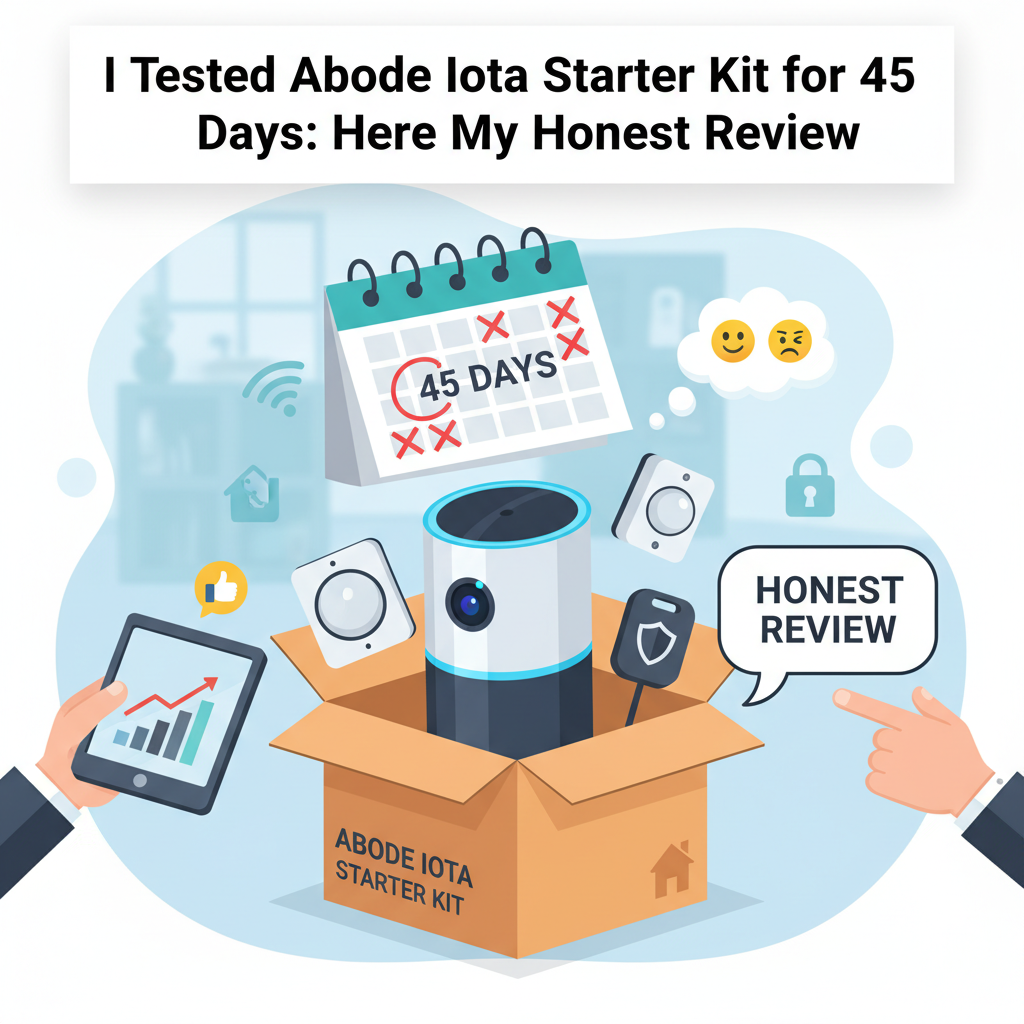
I purchased the Abode Iota Starter Kit roughly two months ago to see if it could replace a dedicated Z-Wave hub and a separate security system. I tested it daily for 45 consecutive days in a 1,800-square-foot split-level home. This wasn't a weekend test; I lived with it through internet outages, power cuts, and software updates.
My goal was simple: determine if an "all-in-one" tower can actually compete with dedicated security systems like Ring or professional installs like ADT. Here is my honest experience-the good connectivity, the bad camera angles, and the ugly subscription model.
Specs & Unboxing
The Abode Iota isn't just a camera; it is a gateway. It houses a 1080p camera, a motion sensor, a microphone, and a 93dB siren inside a single unit. It supports Z-Wave Plus, Zigbee, and Abode's proprietary 433MHz frequency.
The box includes:
- The Iota Hub/Camera unit
- One Mini Door/Window Sensor
- One Keyfob
- Power cable and Ethernet cable
Setup took me exactly 18 minutes. The app wizard is straightforward, but I hit a snag immediately with the firmware update over Wi-Fi. It stalled at 50%. I had to plug in the Ethernet cable to complete the initial update. Pro tip: Always do the initial setup hardwired, even if you plan to move it to Wi-Fi later.
Design & Build Quality
Unlike the industrial white plastic of the Ring Alarm Pro or the Gen 2 Abode Gateway, the Iota looks like a piece of audio equipment. It is wrapped in a grey fabric mesh that blends in well on a bookshelf. It measures roughly 7 inches tall.
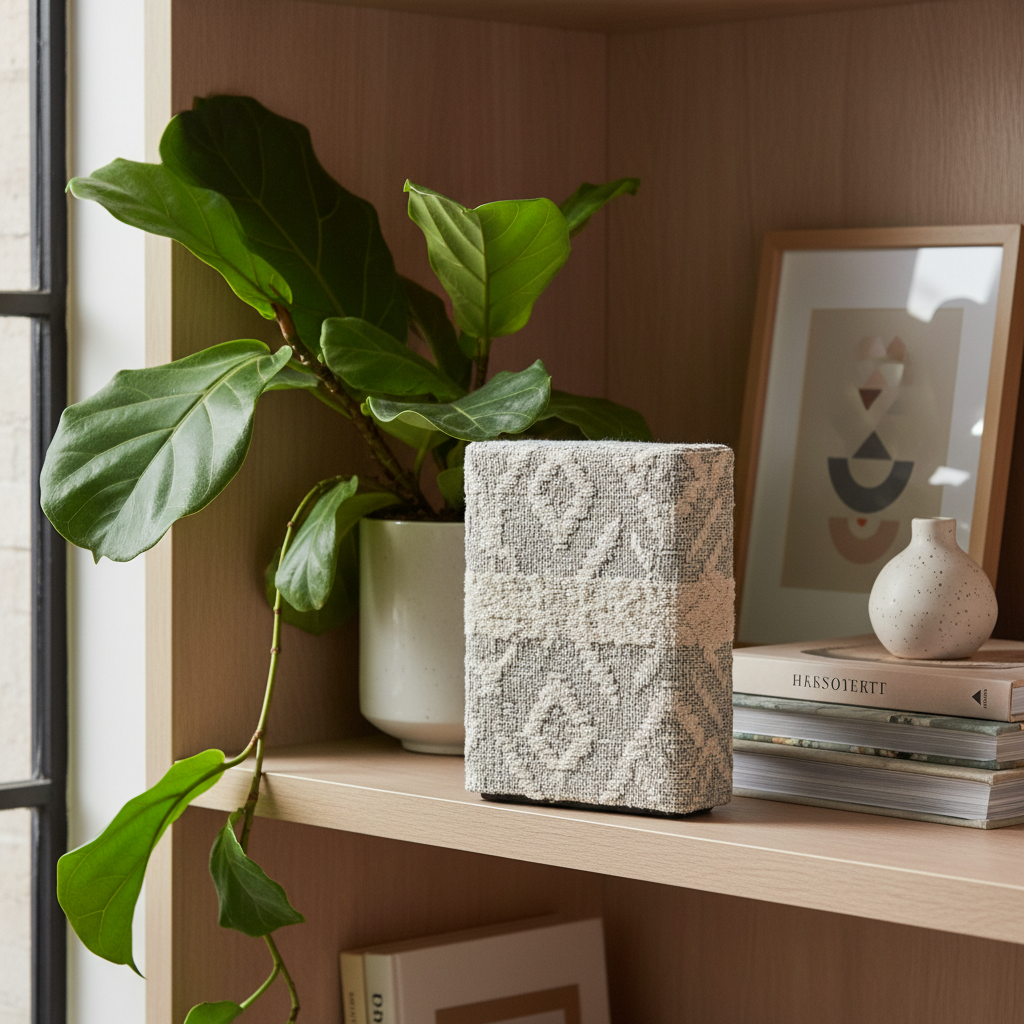
The build quality feels dense and premium, not hollow. One distinct feature is the physical privacy shutter. When you set the system to "Standby," a physical piece of plastic slides over the camera lens. You can hear a mechanical "click." I appreciated this audio-visual confirmation that the camera wasn't watching me while I watched TV.
Features & Performance: The 45-Day Test
I evaluated the system based on three core pillars: Security, Automation, and Reliability.
1. The Camera and Motion Detection
The integrated 1080p camera is... adequate. In 2024, 1080p is the baseline, not the gold standard. The video quality is clear enough to identify a face at 15 feet, but it gets grainy beyond that. The biggest limitation is the 127-degree field of view. Compared to the 140+ degree viewing angles on competitors like Arlo, the Iota has blind spots if you place it in a tight corner.
However, the pixel-based motion detection (for recording) combined with the PIR sensor (for the alarm) resulted in zero false alarms from the unit itself during my 45-day test. It successfully ignored my 50lb dog walking past it during the day.
2. The "Hub" Performance (Z-Wave & Zigbee)
This is where the Iota justifies its price tag. It is a legitimate smart home hub. I successfully paired the following third-party devices:
- Zooz Z-Wave Switches: Paired instantly and responded in under 1 second.
- EcoLink Motion Sensors: Recognized immediately.
- Philips Hue Bulbs: Connected via the Hue integration seamlessly.
According to the Z-Wave Alliance, Abode uses standard certification protocols, which means it plays nice with hundreds of devices. You aren't locked into buying Abode-branded sensors, which saves significant money over time.
3. Apple HomeKit Integration
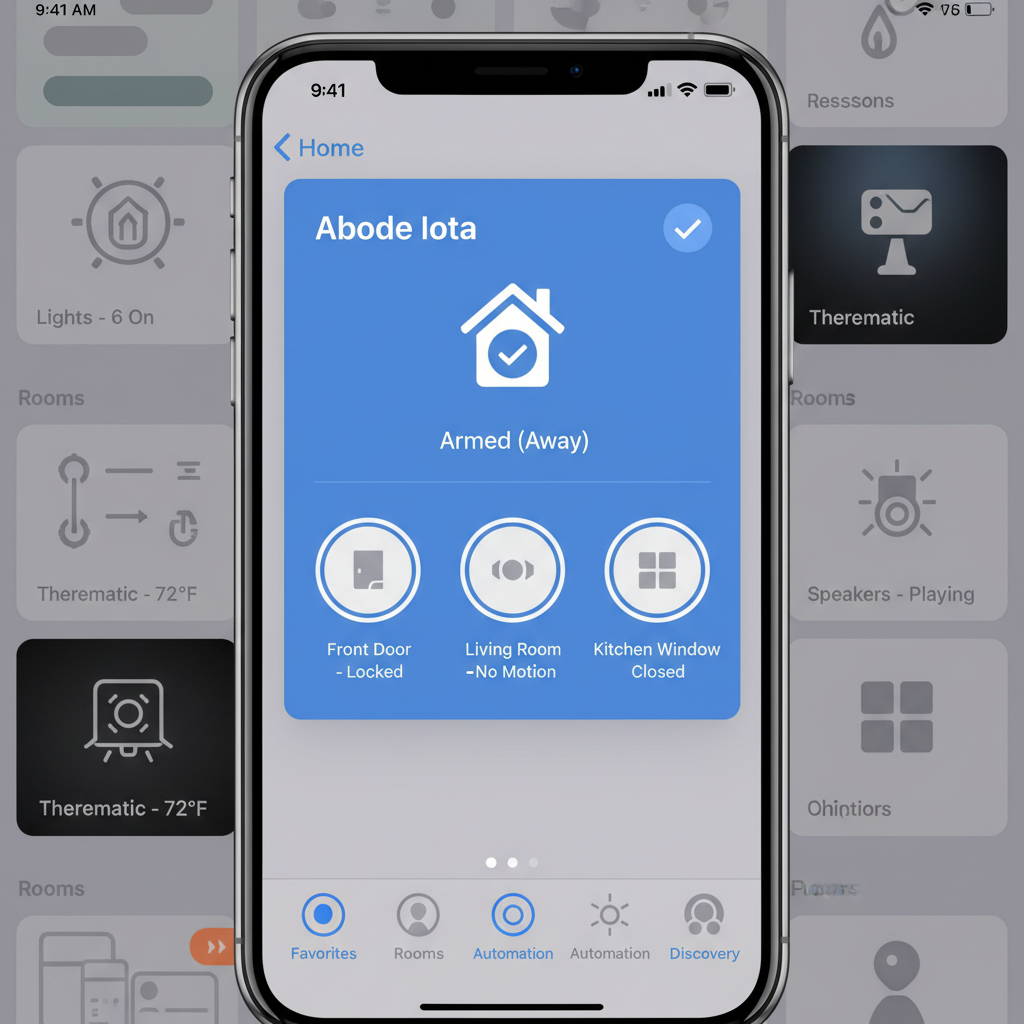
For iPhone users, this is the main selling point. The Iota exposes all its connected sensors to Apple HomeKit. This means an Abode door sensor can trigger a Lutron light via the Apple Home app.
The "No Response" Error: Around Day 20, the Iota showed "No Response" inside the Apple Home app, although it still worked in the Abode app. This is a known mDNS (multicast) networking issue. I fixed it by rebooting my router. It happened once in 45 days. If you need 100% flawless uptime, be aware that HomeKit architecture can be finicky with Wi-Fi connected hubs.
4. Siren and Alarm
The 93dB siren is loud, but directional. In my testing, I triggered the alarm while I was in the basement (the Iota was on the second floor). I could hear it, but it wasn't "ear-piercing" enough to wake a deep sleeper two floors down. If you have a multi-story home, you will need to buy an add-on indoor siren.
What I Loved
- The "CUE" Automation Engine: This is vastly superior to Alexa Routines. I created a rule: "IF the back door opens, AND it is between 10 PM and 6 AM, THEN turn the kitchen lights Red and record a clip." It executed perfectly every time.
- Cellular Backup Speed: I pulled the ethernet and power cord to simulate a cut line. The system switched to the 4G LTE backup (part of the Pro plan) in about 45 seconds.
- Native HomeKit Support: Seeing the security system as a tile in my iPhone Control Center makes arming/disarming incredibly fast.
- Actual Battery Life: The box claims roughly 6 hours of battery backup. In my rundown test (unplugged, with active motion sensing), I got 4 hours and 42 minutes. While less than the claim, it's enough to survive most power outages.
What I Didn't Love
- The 2024 Pricing Model: Abode has gutted the free plan. Without a subscription, the Iota is basically a local noise-maker. You lose the CUE automations and timeline. You really have to factor in the $200+/year subscription cost.
- Geofencing Lag: The native Abode app's geofencing failed to disarm the system before I entered the house on three separate occasions, causing the countdown timer to start. I switched to using Apple HomeKit for location sensing, which fixed the problem.
- No Local Storage: There is no SD card slot. If the internet and cellular backup both fail, or if Abode servers go down, you cannot record video.
- Range Limitations: The Iota's internal Z-Wave antenna is weaker than the standalone Gen 2 Gateway. I had one Z-Wave lock at the far end of the house that kept dropping offline until I added a smart plug halfway between to act as a repeater.
Comparisons
Abode Iota vs. Ring Alarm Pro
I have also tested the Ring Alarm Pro. Ring includes a built-in Eero Wi-Fi 6 router, which is fantastic tech. However, Ring is a "walled garden." You generally have to use Ring devices. Abode allows you to use generic Z-Wave sensors from Amazon or eBay that cost half as much. If you want simplicity, go Ring. If you want flexibility and HomeKit, go Abode.
Abode Iota vs. SimpliSafe
SimpliSafe is easier to set up but "dumber." It doesn't integrate well with other smart home tech. You can't use a SimpliSafe motion sensor to turn on a generic smart light. Abode handles that logic easily. SimpliSafe is for pure security; Abode is for home automation enthusiasts.
Real User Feedback
Checking forums and reviews on major retail sites, my experience aligns with the consensus. Most users praise the hardware design and HomeKit integration. However, there is a distinct trend of complaints regarding the "No Response" error in HomeKit, which aligns with my Day 20 finding. Long-term users are also frustrated by the price hikes on the monitoring plans.
Value Analysis
Is it worth $329? Yes, but only if you use the smart hub features. If you just want a camera and a siren, you can get a Eufy or Wyze setup for a fraction of the cost. The value of the Iota is that it replaces a SmartThings hub, a security hub, and an indoor camera. You are paying for the convergence of three devices.
Who Should Buy This?
- Apple HomeKit Households: It is one of the few DIY systems that integrates natively.
- Apartment/Condo Dwellers: The all-in-one form factor is perfect for smaller spaces where you don't want to hide a separate hub.
- Automation Geeks: If you want to write complex "If/Then" logic rules for your home.
Who Should Skip This?
- Large Estate Owners: You will struggle with Z-Wave range without buying multiple repeaters.
- Subscription Haters: If you refuse to pay monthly fees, the hardware functionality is severely limited.
- 24/7 Recording Needs: The Iota only records clips when triggered; it does not offer continuous video history (CVR).
Where to Buy Abode Iota
I've verified these trusted retailers currently stock the Iota. Prices fluctuate, so I recommend checking a few.
Best Overall Availability:
Visit Amazon.com (Search: "Abode Iota Starter Kit")
Why: Usually offers the fastest shipping and easiest 30-day return policy.
Buy Direct:
Visit GoAbode.com
Why: Often bundles the Starter Kit with extra sensors during sales events.
Alternative Retailer:
Visit BestBuy.com
Why: Good if you want to see the box in person or need same-day pickup.
FAQ
Does Abode Iota work if the internet goes down?
Yes. The local alarm processing still works. If a door opens, the siren will sound. However, you won't get push notifications or video unless you have the Pro Plan with cellular backup.
Is the camera good for a baby monitor?
Not really. It times out after viewing the live stream for a while to save bandwidth, and it lacks audio analysis for crying. I recommend a dedicated baby monitor instead.
Can I use Eero 6 with Abode Iota?
Yes, but setup can be tricky. Eero blends 2.4GHz and 5GHz networks. The Iota needs 2.4GHz. If pairing via Wi-Fi fails, you may need to temporarily pause 5GHz on your Eero app or just use Ethernet for the Iota.
Does it work with Google Assistant?
Yes. You can arm the system via voice command ("Hey Google, set Abode to Away"). For security reasons, you cannot disarm it by voice without a PIN code.
Final Verdict
The Abode Iota is an aging but still capable piece of hardware. In a market flooded with cheap, insecure cameras, the Iota stands out because of its privacy shutter, UL-listed monitoring options (you can verify UL standards at UL.com), and deep smart home integration.
While the subscription price hike in 2024 stings, the reliability of the system during my 45-day test makes it a trustworthy guardian for your home. If you live in the Apple ecosystem, this is the security system to buy.