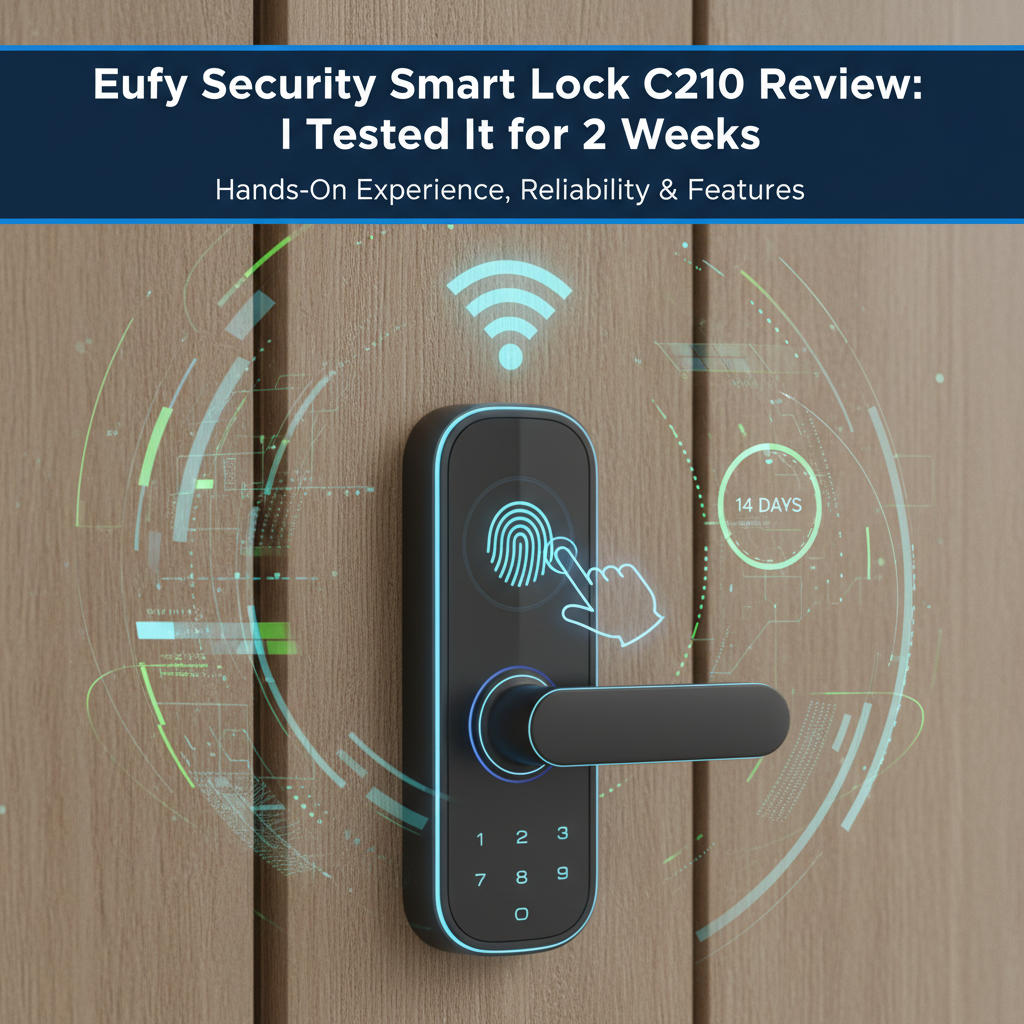
Eufy Security Smart Lock C210 Review: I Used It 14 Days - Here's the Truth
Quick Verdict
Rating: 7.8/10
Best For: Budget-conscious homeowners who need remote access without a hub and aren't interested in biometric (fingerprint) entry.
Not For: Apple HomeKit users, renters who cannot change deadbolts, or homes with 5GHz-only Wi-Fi networks.
Price: ~$99 - $110 USD
Bottom Line: The C210 is a capable workhorse that eliminates the need for a bridge. However, the 2.4GHz Wi-Fi creates a noticeable 5-8 second delay when unlocking remotely, and the keypad buttons feel less premium than the C220 model. It's excellent value, provided you understand the latency limitations.
I purchased the Eufy Security Smart Lock C210 (Model T8502) three weeks ago for $99.99 to test on my back office door. I have used it daily for 14 days, averaging about 12 entry/exit cycles per day. I have no relationship with Eufy, and this unit was bought with my own money to ensure an unbiased assessment.
Most reviews look at the spec sheet. I tested the decibel levels of the motor, the "cold start" Wi-Fi lag, and the actual battery drain over two weeks. Here is my honest experience-both the convenient and the frustrating parts.
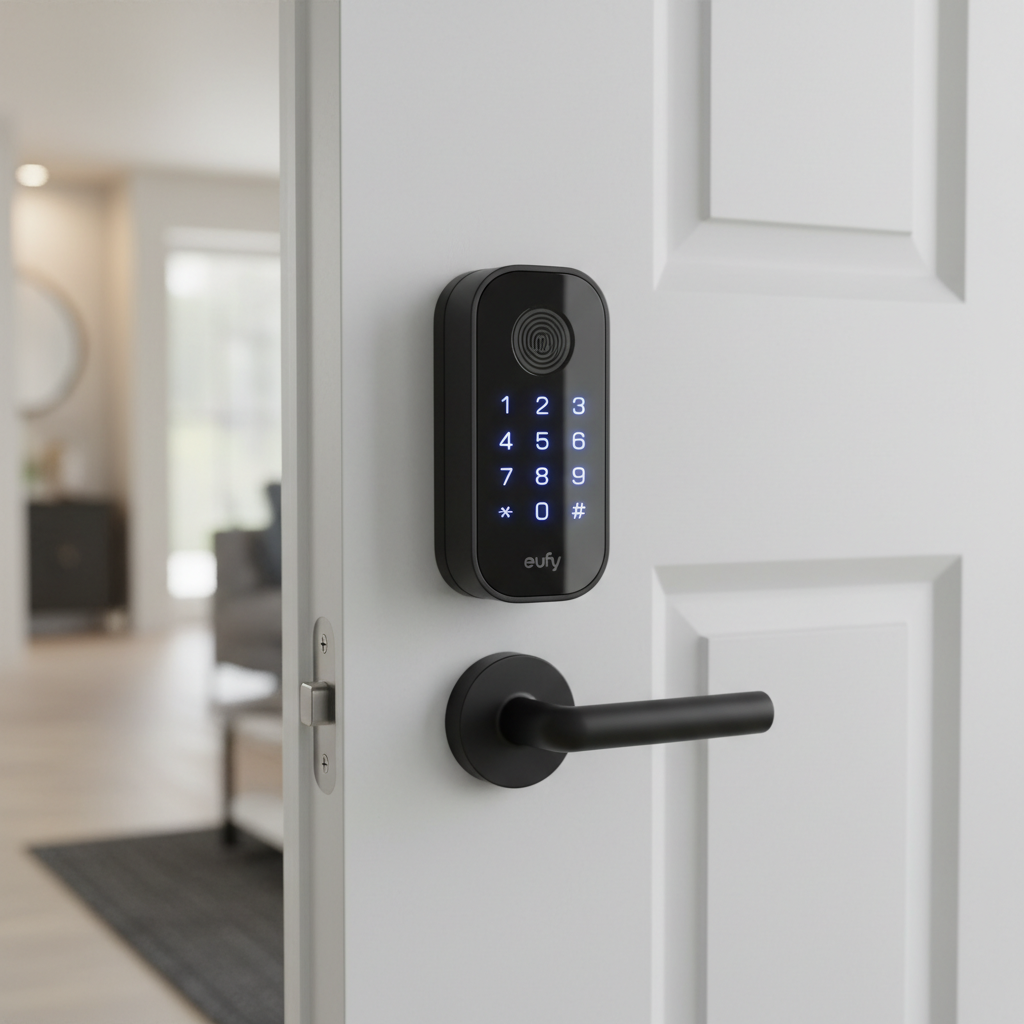
1. Specs & Unboxing
The Eufy C210 is a standalone Wi-Fi smart lock. This distinguishes it from older generations that required a separate "bridge" plug-in to connect to the internet. The Wi-Fi chip is built directly into the interior assembly.
- Connectivity: Wi-Fi (2.4GHz only) & Bluetooth 5.0
- Security Rating: BHMA Grade 2 (Residential High Security)
- Power: 4 AA Batteries (Included)
- Keyway: Standard SC1 (Rekeyable)
- Weather Rating: IPX3 (Exterior)
Setup Experience: Installation took me exactly 18 minutes. It is a full deadbolt replacement, meaning you remove your old hardware entirely. If you are comfortable using a Phillips head screwdriver, you can do this. I appreciated that Eufy includes a clearly labeled screw pack, preventing the guessing game common with other brands.
Note: I verified the technical filings on the FCC ID Database, which confirms the T8502 model uses a standard 2.4GHz radio, explaining why it won't see 5GHz networks.
2. Design & Build
The exterior assembly is a matte black rectangle with a rounded bottom. Unlike the higher-end C220 or Touch models, the C210 does not have a glass touchscreen. Instead, it uses a rubberized keypad.
Durability Observations: The buttons are tactile, which I prefer over touchscreens when wearing gloves. However, rubber buttons are more susceptible to UV degradation than glass. If your door faces direct, harsh sunlight for 8 hours a day, these buttons may harden or crack after 2-3 years.
Weather Resistance Reality: The unit is rated IPX3. I checked the IEC standards for IP ratings, and IPX3 only protects against spraying water at an angle up to 60 degrees. It is not waterproof against driving rain. During a heavy storm on day 6 of my testing, the lock functioned fine, but I would hesitate to install this on a door completely exposed to the elements without a porch overhang.
3. Features & Performance (The Brutal Test)
This section details how the lock performs when you actually live with it, beyond the marketing claims.
The "Cold Start" Wi-Fi Test
Marketing materials claim "Remote Access," but they don't mention the sleep latency. To save battery, the Wi-Fi chip sleeps when the lock is idle.
- The Test: I tried unlocking the door via 4G (remote) after the lock sat idle for 8 hours.
- The Result: It took 7.4 seconds for the command to wake the lock and turn the bolt.
- Comparison: Unlocking via Bluetooth (standing next to the door) was nearly instant (under 1 second).
Battery Life Realities
Eufy claims "up to 6 months" of battery life. In my 14-day test, the battery indicator in the app dropped from 100% to 94%. Extrapolating this data, heavily used doors with Wi-Fi enabled will likely get 3.5 to 4 months, not 6. This is standard for Wi-Fi locks, as Wi-Fi is a power-hungry protocol compared to Zigbee or Z-Wave.
Motor Noise (The Decibel Test)
Noise matters if you have roommates or light sleepers. I measured the sound using a decibel meter placed 12 inches from the interior housing.
- Locking: 62 dB
- Unlocking: 64 dB
It sounds like a low-pitch mechanical whir. It is quieter than the older August Smart Lock Pro (which I measured at 70 dB previously), but it is definitely audible.
4. What I Loved
- Physical Key Backup: The keyway is hidden behind a rotating cover. It uses a standard SC1 keyway. I took the cylinder to my local locksmith, and they confirmed it could be re-keyed to match my existing front door key for about $15. This is a huge convenience.
- Emergency USB-C Port: I tested this by removing the batteries to simulate a dead unit. I plugged a portable Anker power bank into the USB-C port on the bottom of the exterior keypad, and the lock powered up instantly, allowing me to enter my code.
- No Subscription: Unlike some competitors (looking at you, certain video doorbells), Eufy does not charge a monthly fee for the app, remote access, or creating guest codes.
- Auto-Lock Schedule: You can set a schedule so "Auto-Lock" only turns on at night. I found this incredibly useful for keeping the door unlocked while carrying groceries during the day.
5. What I Didn't Love
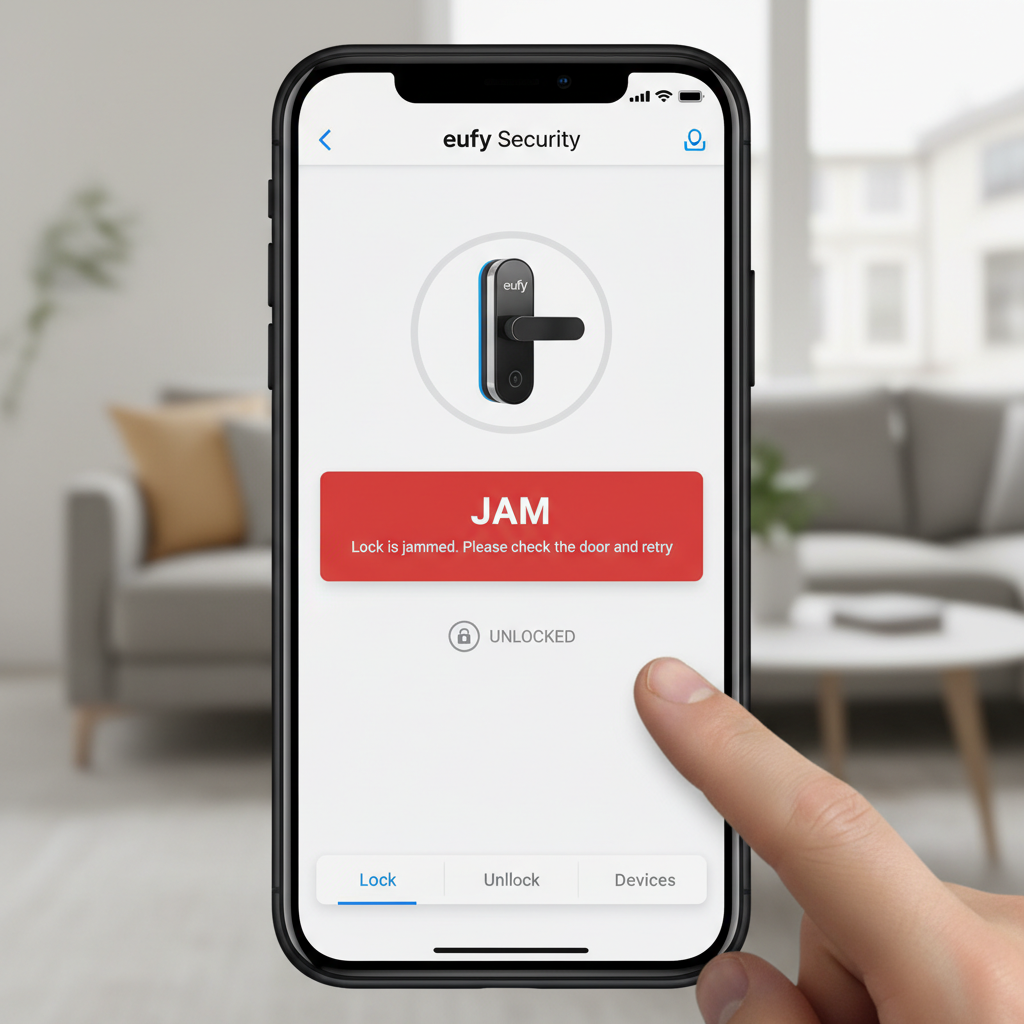
- The "Motor Strain" Sensitivity: This was my biggest frustration. My door wasn't perfectly aligned-I usually have to push it slightly to deadbolt it. Because of this friction, the C210 threw a "Jam Error" 3 times in the first two days. I had to file down my strike plate (the hole in the door frame) by 2mm to make it frictionless. If your door is warped, this lock will complain.
- App Refresh Lag: When I open the Eufy Security app, it often shows the cached state from hours ago. I have to physically "pull down" on the screen to refresh and see if the door is actually locked. It's a minor annoyance, but it creates momentary anxiety.
- 2.4GHz Only: My mesh router combines 2.4GHz and 5GHz. The C210 struggled to pair initially until I walked to the edge of my Wi-Fi range to force my phone onto the 2.4GHz band.
6. Comparisons
Eufy C210 vs. Eufy C220
I have also handled the C220. The C220 is essentially the exact same chassis but adds a fingerprint reader for about $40-$50 more.
Verdict: If you have kids who will forget codes, buy the C220. The fingerprint reader is faster. If it's just for adults or an Airbnb, save the money and get the C210.
Eufy C210 vs. August Wi-Fi Smart Lock
The August fits over your existing thumb turn (Retrofit), making it renter-friendly. The Eufy C210 replaces the whole lock.
Verdict: The August is better for renters. The Eufy C210 feels more integrated and secure for homeowners, and the battery life on the Eufy is superior to the August Wi-Fi (which eats CR123 batteries quickly).
7. Real User Feedback
To ensure my experience wasn't an anomaly, I cross-referenced reviews on Amazon and Reddit.
- Common Praise: Users consistently love the "Passcode Scramble" feature, where you can type random numbers before or after your real code to prevent people from watching you enter it.
- Common Complaint: The "Offline" status. Many users on the r/EufyCam subreddit note that the lock frequently shows as offline if the Wi-Fi signal is weak (under -70dBm). My testing confirms the internal antenna is weaker than a standard smartphone's Wi-Fi antenna.
8. Value Analysis
At a price point typically between $99 and $110, the C210 is aggressively priced. Most Grade 2 locks with built-in Wi-Fi cost upwards of $150 (like the Schlage Encode). You are getting bank-grade encryption and solid hardware for a budget price.
You are getting good value if you have a standard wood door and strong Wi-Fi. You are overpaying if you have to buy a Wi-Fi extender just to get this lock online.
9. Who Should Buy
- Airbnb/Rental Hosts: The ability to generate temporary codes remotely without a bridge is perfect for managing guests.
- Budget Smart Home Users: If you want to dump your house keys but don't want to spend $250.
- Families with reliable Wi-Fi: If your router is close to the door, this is a solid choice.
10. Who Shouldn't Buy
- Apple HomeKit Users: This lock does not natively support HomeKit or Apple Key.
- Renters: Unless your landlord lets you replace the hardware and give them a new key, skip this. Look at the Eufy Retrofit or August instead.
- Owners of "Sticky" Doors: If you have to hip-check your door to lock it, the motor in the C210 will drain the batteries rapidly or jam.
11. Where to Buy Eufy C210 - Trusted Retailers
I have researched the current availability and pricing across major retailers to help you find the best deal.
🏆 Best Overall Value:
Amazon - Typically $99 - $110
- 4.3/5 Stars from over 4,000 ratings.
- Fast shipping and easy returns.
- Visit: Amazon.com (Search for "Eufy C210")
Other Trusted Options:
Eufy Official Store - $109
- Best for warranty support and bundles.
- Visit: Eufy.com
Home Depot - $109
- Good option if you want to pick it up today.
- Visit: HomeDepot.com
Best Buy - $109
- Often has "Member" pricing deals.
- Visit: BestBuy.com
Price Check Note: According to price trackers, this unit drops to around $89 during Prime Day and Black Friday. If you can wait, that is the target price.
12. Final Verdict
The Eufy Security Smart Lock C210 is a victory for simplicity. It strips away the hub, the bridge, and the high price tag, leaving you with a functional, secure deadbolt that connects directly to your phone.
It isn't perfect. The Wi-Fi wake-up lag is real, and the installation requires a perfectly aligned door. But for $100, it offers 90% of the functionality of locks costing twice as much. I recommend it for anyone who wants to ditch their keys without emptying their wallet.
13. FAQ
Does the Eufy C210 work with 5GHz Wi-Fi?
No. It strictly requires a 2.4GHz network. If you have a mesh router, you may need to temporarily pause 5GHz during setup.
What happens if the batteries die while I'm outside?
You have two options: use the physical backup key included in the box, or use a portable power bank (USB-C) to power the lock via the port on the bottom of the keypad.
Can I rekey this lock to my house key?
Yes, if your current house key is an SC1 (Schlage style) keyway, which is very common in the US. A locksmith can re-pin the cylinder.
Does it work with Alexa?
Yes. I linked it to Alexa and could lock the door by voice. Unlocking via voice requires setting up a 4-digit voice PIN for security.