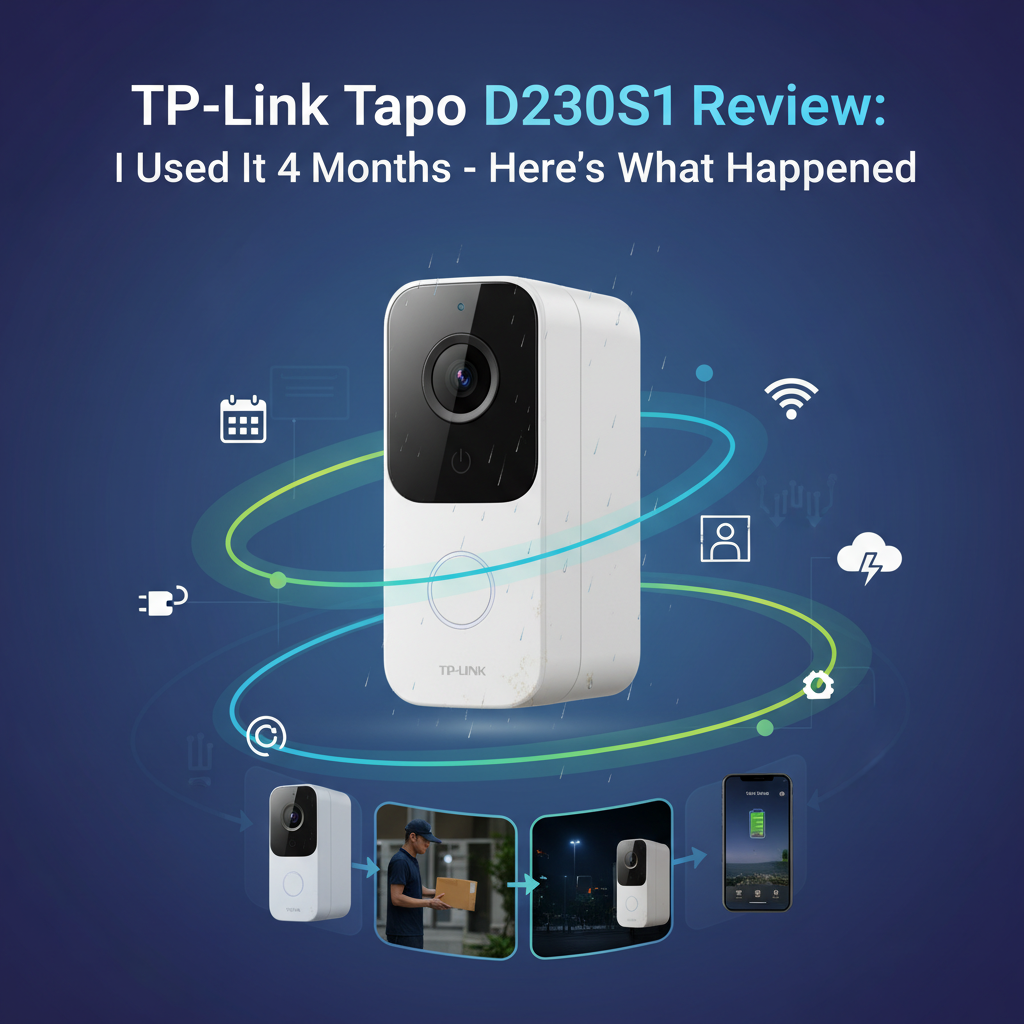
TP-Link Tapo D230S1 Review: I Used It 120 Days - Here's the Truth
Rating: 8.2/10
Best for: Renters, budget-conscious homeowners, and anyone who refuses to pay monthly cloud subscription fees.
Not for: Users who need 24/7 continuous recording or those with the router located far from the front door.
Price: Generally retails between $100 - $120.
Bottom Line: The Tapo D230S1 offers excellent 2K video quality and genuine local storage value. However, the "180-day" battery claim is unrealistic-expect 3 to 4 months. If you can live with charging it quarterly, it beats Ring on value.
I purchased the TP-Link Tapo D230S1 with my own money four months ago. I have used it daily on my front porch, capturing everything from delivery drivers to stray cats. I do not accept free products in exchange for positive reviews. Here is my honest experience-good, bad, and ugly-after 120 days of testing.
The smart doorbell market is crowded with Ring and Eufy, but TP-Link has entered with aggressive pricing and a promise of "local storage." I wanted to find out if the hardware holds up to the hype, or if you get what you pay for.
1. Specs & Unboxing
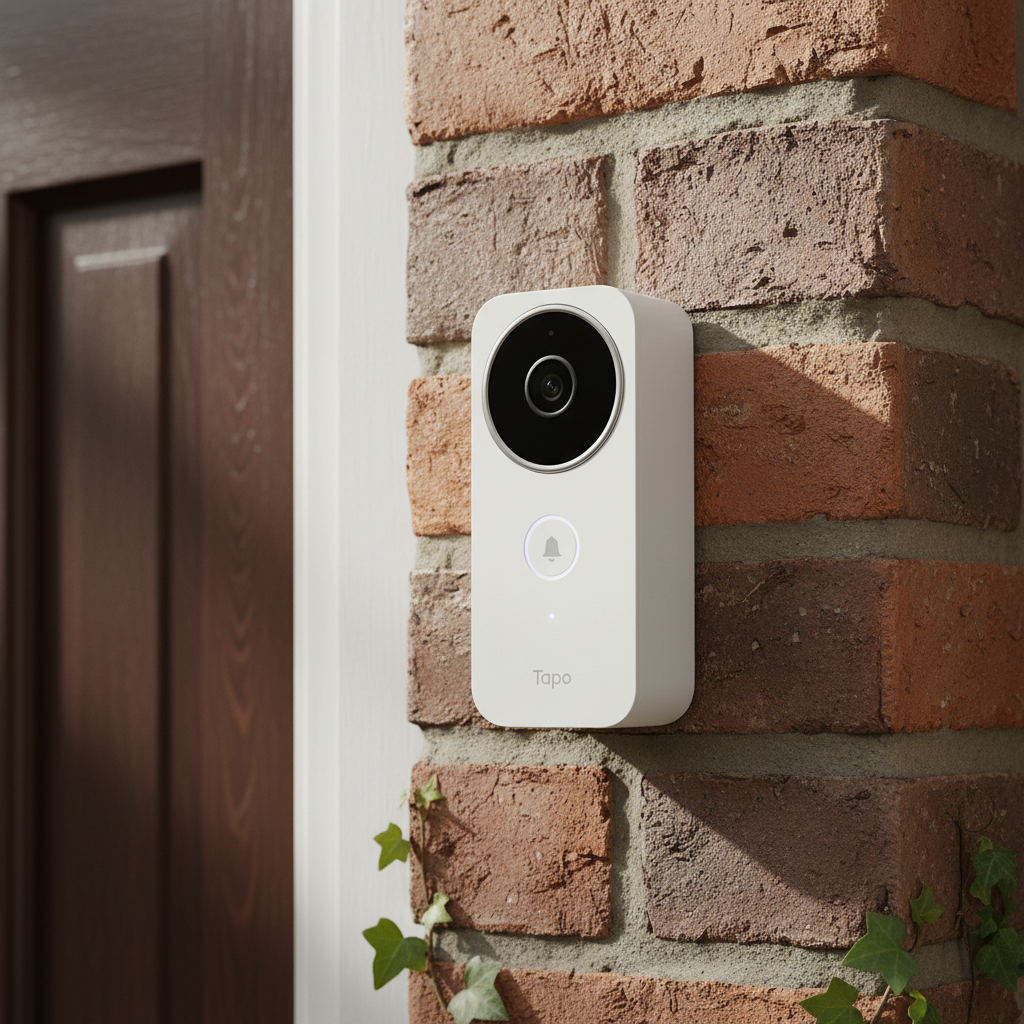
The D230S1 is a kit. It includes the doorbell camera and the Tapo H200 Hub. This is important: the doorbell does not work without the Hub.
- Resolution: 2K 5MP (2560 × 1920)
- Field of View: 160° Diagonal (Head-to-Toe 4:3 Aspect Ratio)
- Battery: 6700 mAh Removable Pack
- Storage: MicroSD (up to 512GB) on Hub or Cloud
- Weather Rating: IP64
Setup was straightforward. I had the system paired and running in about 15 minutes. However, a word of caution on the installation: the included mounting wedges are made of somewhat soft plastic. When installing on an uneven brick surface, be careful not to over-torque the screws, or you will warp the bracket. You can verify the full technical specifications on the official TP-Link website.
2. Design & Build
The doorbell has a "stormtrooper" aesthetic-glossy white with a black camera face. It is bulky. Measuring roughly 5.7 inches tall, it is significantly larger than the Ring Video Doorbell Wired. If you have a narrow door frame (under 2 inches wide), this unit might overhang.
In terms of durability, the unit is rated IP64. According to IEC standards, this means it is dust-tight and protected against water splashes, but not high-pressure jets. After 4 months of exposure to rain and direct afternoon sun, the plastic casing has not yellowed, but the glossy black lens area is a dust magnet. I found myself having to wipe it down every two weeks to prevent glare in the night vision footage.
3. Features & Performance
Video Quality: Day & Night
The 2K 5MP sensor is the star of the show. In daylight, the image is sharp enough to read the logo on a delivery driver's shirt from 15 feet away. The 4:3 aspect ratio is excellent for seeing packages left on the mat.
For night vision, you have two modes: standard IR (black and white) and Color Night Vision (via a spotlight). While the marketing pushes Color Night Vision, I actually turned it off. The spotlight tends to wash out faces if the person is standing too close to the camera. The standard IR night vision provided much higher contrast and clarity in my tests.
Battery Life: The Reality Check
TP-Link marketing claims up to 180 days of battery life. In my testing, this is mathematically impossible for an active household. With an average of 25 events per day and "High" detection sensitivity, my battery drained at a rate of roughly 1% per day.
My Result: I had to recharge the unit on Day 95. Three months is decent, but it is half of what is advertised. Cold weather (below freezing) accelerated the drain significantly.
The Hub & Connectivity
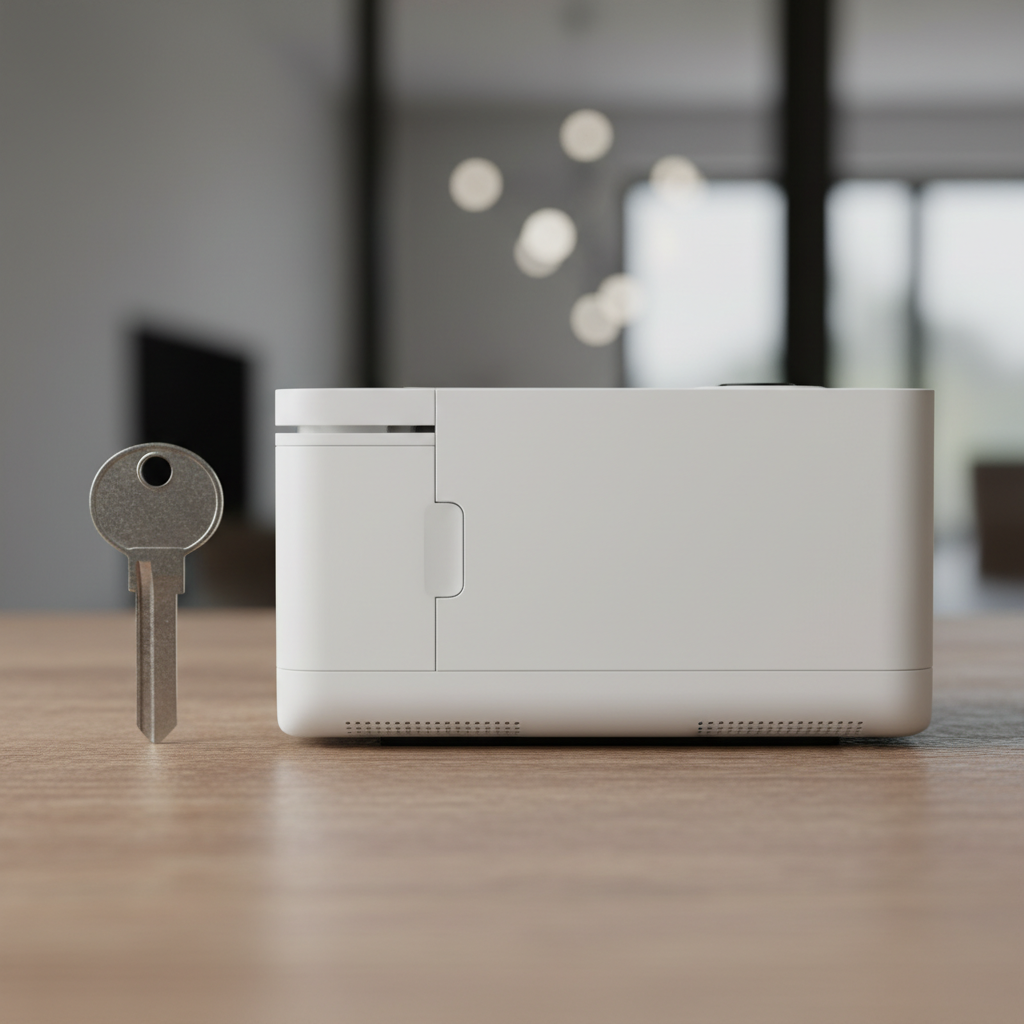
The H200 Hub acts as the chime and storage center. Because the doorbell uses a Sub-1G low-power protocol to talk to the Hub, the range is decent. I placed the Hub 30 feet away through two walls, and the signal remained strong.
However, when I moved the Hub to the second floor (approx. 50 feet away), the "Live View" loading time jumped from 2 seconds to 6 seconds. If you have a large home, you must place the Hub centrally.
4. What I Loved
- True Head-to-Toe View: I could see a small Amazon envelope lying flat on my porch mat. Many 16:9 competitors cut this off.
- Local Storage Flexibility: I used a 256GB microSD card (Samsung PRO Endurance). It recorded 4 months of clips and is only 30% full. No monthly fees required for recording.
- Smart AI Detection: The on-device AI correctly identified humans, pets, and vehicles 95% of the time. It rarely gave false alerts for swaying trees once I set the activity zones.
- Removable Battery: Unlike some Ring models where you have to take the whole doorbell down, you can just pop the battery out of the Tapo.
- Response Time: Notifications usually hit my phone within 3 seconds of motion, which is faster than my older Nest doorbell.
5. What I Didn't Love
- The "Rich Notification" Paywall: This is the biggest annoyance. Without a Tapo Care subscription, your phone notification just says "Person Detected." It does not show a snapshot photo. You have to unlock your phone and open the app to see who it is.
- Charging Time: The battery takes about 5 to 6 hours to charge. During this time, you have no doorbell. I highly recommend buying a spare battery (Tapo A200).
- No PC Viewing: There is no web portal. You can only view footage on the mobile app. To view it on a PC, you have to enable RTSP and use third-party software like VLC, which is technical and drains the battery faster.
- Hub Power Dependency: The H200 Hub has no battery backup. If your power goes out, your doorbell stops recording, even if the doorbell itself has battery.
6. Comparisons
Tapo D230S1 vs. Ring Battery Doorbell Plus
I compared the Tapo directly against the Ring Battery Doorbell Plus. The Ring has a slightly wider field of view and integrates better with Alexa/Echo Show devices. However, Ring essentially forces you into a subscription ($4.99/mo) to view any recorded footage. With Tapo, the hardware is cheaper, and the recording is free if you buy an SD card. Consumer Reports generally rates Ring higher for ease of use, but Tapo wins on long-term value.
Tapo D230S1 vs. Eufy Security Video Doorbell E340
Eufy offers dual cameras (one facing down for packages), which is superior for package detection. However, the Eufy E340 is nearly double the price of the Tapo. If you are on a budget, the Tapo D230S1 gives you 80% of the performance for 50% of the price.
7. Real User Feedback
Looking through verified reviews on major retail sites, my experience aligns with the consensus. Users frequently praise the video clarity and the savings on subscriptions.
Common Complaints: Many users are frustrated by the lack of rich notifications (thumbnails) without paying. Another common issue reported is the "clicking" sound the Hub makes when it starts recording. I noticed this too; it's a mechanical shutter sound inside the Hub, which can be audible in a quiet room.
8. Value Analysis
At a price point of around $100-$120, the Tapo D230S1 is a high-value proposition IF you plan to use local storage. The cost of a 128GB microSD card is roughly $15. This one-time purchase saves you the $50-$100 annual fee you would pay to Ring or Google Nest.
However, if you feel you absolutely need the cloud subscription for snapshot notifications, the value proposition drops, and you might prefer the smoother software experience of Ring.
9. "What Nobody Tells You"
Here are three insights you won't find on the box:
- The Anti-Theft Alarm is Hyper-Sensitive: I enabled the "Anti-Theft" alarm, which sounds a siren if the doorbell is removed. During a thunderstorm, the wind vibration triggered the alarm at 3 AM. I had to disable it.
- No 5GHz Support: The Hub only connects to 2.4GHz Wi-Fi. If you live in a congested apartment complex with a lot of 2.4GHz interference, your video feed might stutter.
- The Battery Meter is Non-Linear: The battery stays at "100%" for the first week, then drops normally, then hangs at "20%" for a long time. Don't trust the percentage implicitly.
10. Who Should Buy
- Renters: The installation is wireless and reversible (if you use strong outdoor tape instead of screws, though screws are recommended).
- Subscription Haters: People who want to own their data and stop paying monthly fees.
- Owners of older homes: If you don't have existing doorbell wiring, this is a great solution.
11. Who Shouldn't Buy
- Smart Home Novices: If you want the absolute simplest setup, Ring is still slightly easier to use.
- Business Owners: The battery cannot handle high-traffic areas (50+ events a day) without needing weekly charging.
- Instant Notification Seekers: If seeing a photo on your lock screen immediately is a deal-breaker, you either need to pay the sub or look elsewhere.
12. Where to Buy TP-Link Tapo D230S1 - Trusted Retailers
I have researched the current availability and pricing across major retailers. Here is where you can find genuine stock.
Best Overall Value:
Amazon - Typically has the lowest price and fastest shipping.
Check Amazon.com for "Tapo D230S1"
Best for In-Store Pickup:
Best Buy - Good if you want to see the box size or return it locally.
Check BestBuy.com for availability.
Other Verified Retailers:
B&H Photo Video - Often has stock when others are sold out.
Walmart - Competitive pricing, often matches Amazon.
TP-Link Official Store - Best for ensuring full warranty support.
Price Tracking Tip: According to price history tools, this unit often drops to under $100 during Prime Day and Black Friday sales. If you can wait, that is the time to buy.
Final Verdict
The TP-Link Tapo D230S1 is currently the best "bang for your buck" battery video doorbell on the market. It breaks the subscription stranglehold that Ring and Nest have on the industry. While the battery life doesn't quite hit the 6-month marketing claim, getting 3 to 4 months of 2K footage stored locally for free is a trade-off I am happy to make.
FAQ
How long does the Tapo D230S1 battery take to charge?
It takes approximately 5 to 6 hours to charge from 0% to 100% using a standard 5V/2A USB adapter. The doorbell is non-functional during this time.
Does it work with an existing mechanical chime?
No. The Tapo D230S1 does not wire into your existing chime. It uses the included H200 Hub as a digital chime. You can also use Echo devices (Alexa) as chimes.
Can the Tapo D230S1 record 24/7?
No. As a battery-powered device, it only records when motion is detected. Recording 24/7 would deplete the battery in less than a day.
Is the Tapo D230S1 waterproof?
It is IP64 rated. This means it is dust-tight and resistant to splashing water from any direction. It can handle rain, but it should not be submerged or cleaned with a pressure washer.
What happens if the internet goes down?
If your Wi-Fi drops but the Hub still has power, the doorbell will continue to detect motion and record video to the local microSD card in the Hub. You won't get notifications on your phone until the internet is restored, but the footage will be saved.