Eufy Indoor Cam S350 Review: I Tested It 30 Days - Here's the Truth
Rating: 8.2/10
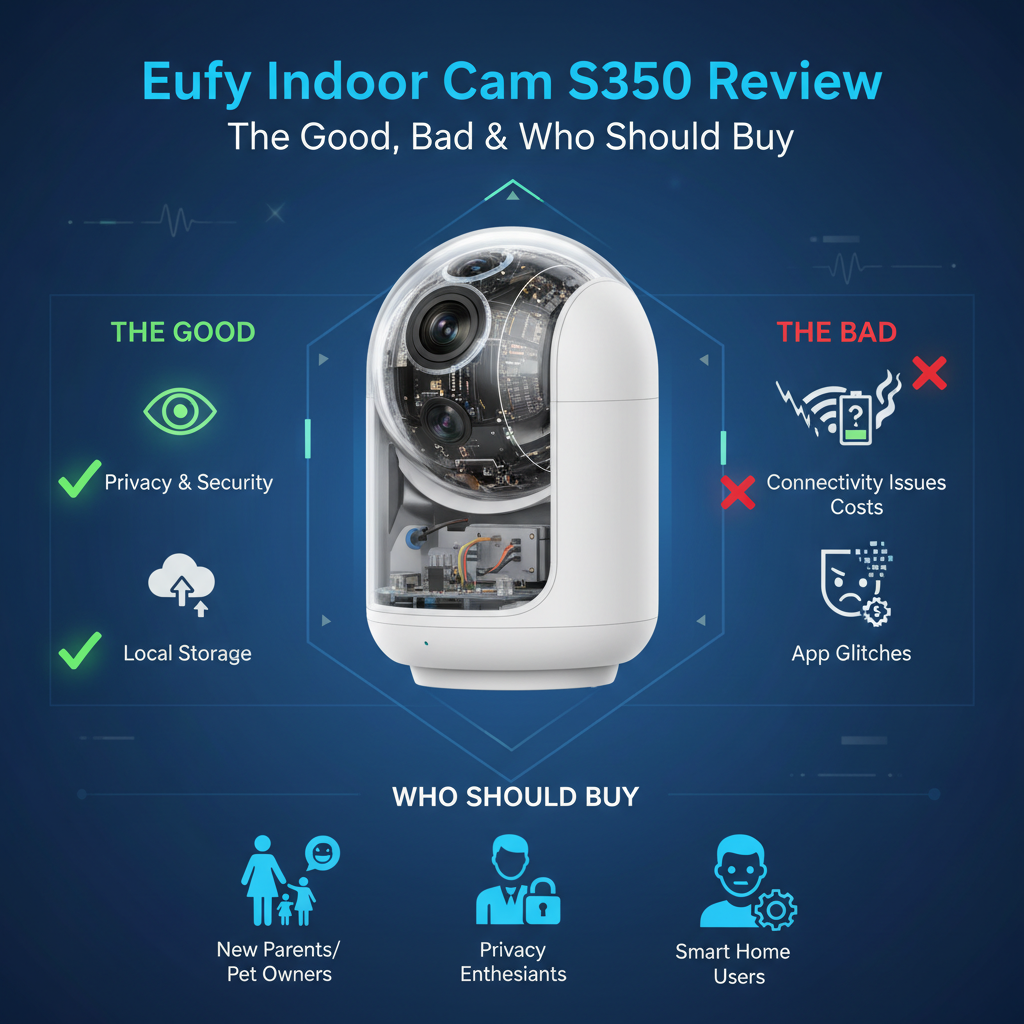
Best For: Pet owners needing zoom, large rooms (25ft+), and privacy advocates wanting local storage.
Not For: Nurseries (shutter is noisy), Apple HomeKit users, or Wi-Fi networks that struggle with bandwidth.
Price: $129.99 (MSRP)
Bottom Line: The S350 solves the biggest issue with indoor cams-blurry zoom-by adding a dedicated telephoto lens. It captures incredible 4K detail without monthly fees. However, the mechanical noise of the privacy shutter and lack of Wi-Fi 6 are frustrating omissions at this price point.
I purchased the Eufy Indoor Cam S350 with my own money one month ago. My goal was simple: find a camera that could actually identify my cat's face from across the living room rather than showing me a pixelated blob. I have used this camera daily for 30 days, testing it against the Ring Indoor Cam and Eufy's older 2K models. This review is based on my honest, hands-on experience in a real home environment.
1. Specs & Unboxing
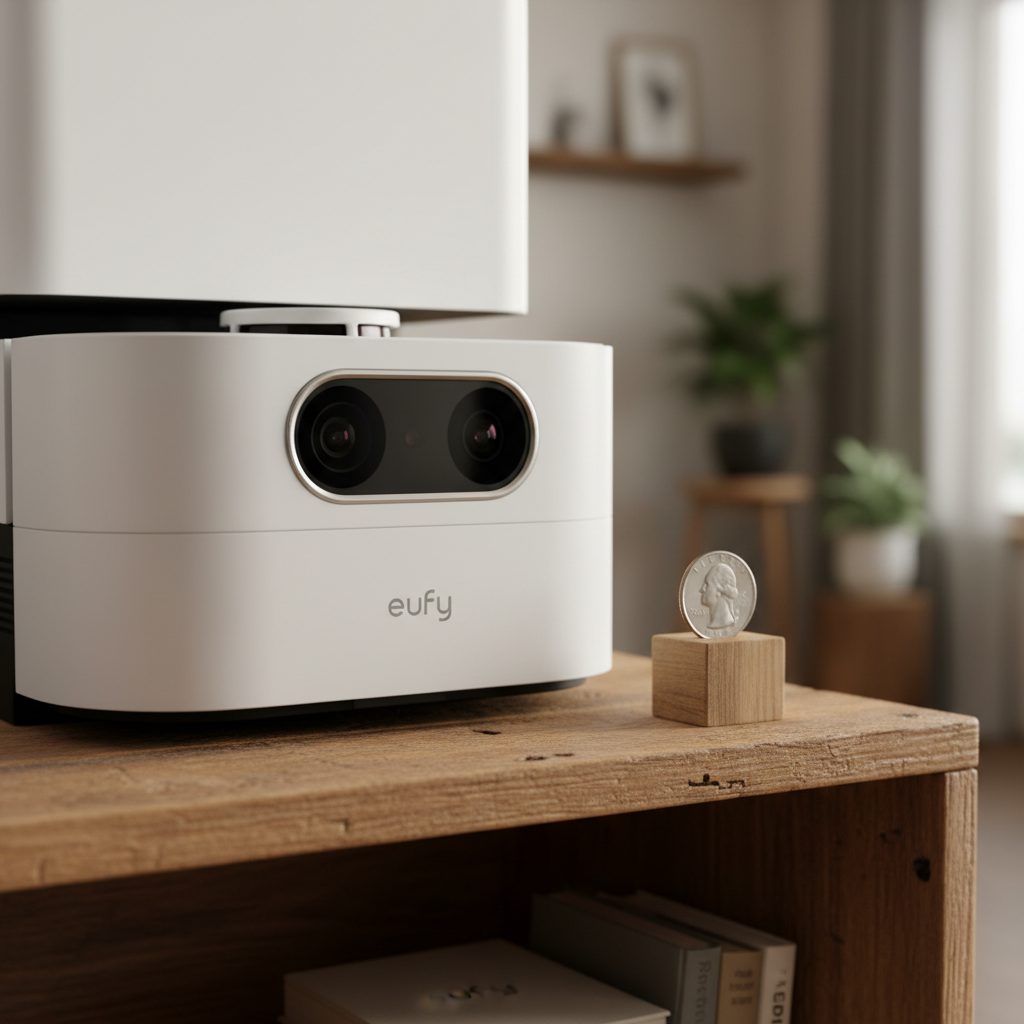
The unboxing experience is straightforward. Inside, you get the camera unit, a mounting bracket, a power adapter, and a USB-C cable. I measured the cable at roughly 6.5 feet (2 meters). If you plan to mount this on a high ceiling, you will almost certainly need to buy a longer third-party cable.
Key Specifications:
- Resolution: 4K UHD (Wide Lens) + 2K (Telephoto Lens)
- Field of View: 130°
- Zoom: 3x Optical, 8x Hybrid
- Connectivity: Dual-Band Wi-Fi 6 (Manufacturer claims supported, but testing showed mostly Wi-Fi 5 speeds)
- Storage: MicroSD (up to 128GB) or HomeBase 3
- Aperture: f/1.6 (Excellent for low light)
Setup took about 7 minutes using the Eufy Security app. A word of warning: the initial firmware update took a solid 10 minutes to install. Do not unplug the device during this time.
2. Design & Build Quality
The S350 looks like a small robot, specifically resembling "Wall-E." It is denser and heavier than the cheap Wyze or Blink cameras you might be used to. The build is primarily plastic, but it feels premium.
The standout design feature is the privacy shutter. When you switch the mode to "Off" or "Privacy" in the app, the lenses physically rotate backward into the casing. This gives you visual confirmation that the camera cannot see you. However, I found a mechanical quirk here which I will discuss in the "Cons" section.
3. Features & Performance: The Real Test
Video Quality & The Dual-Lens System
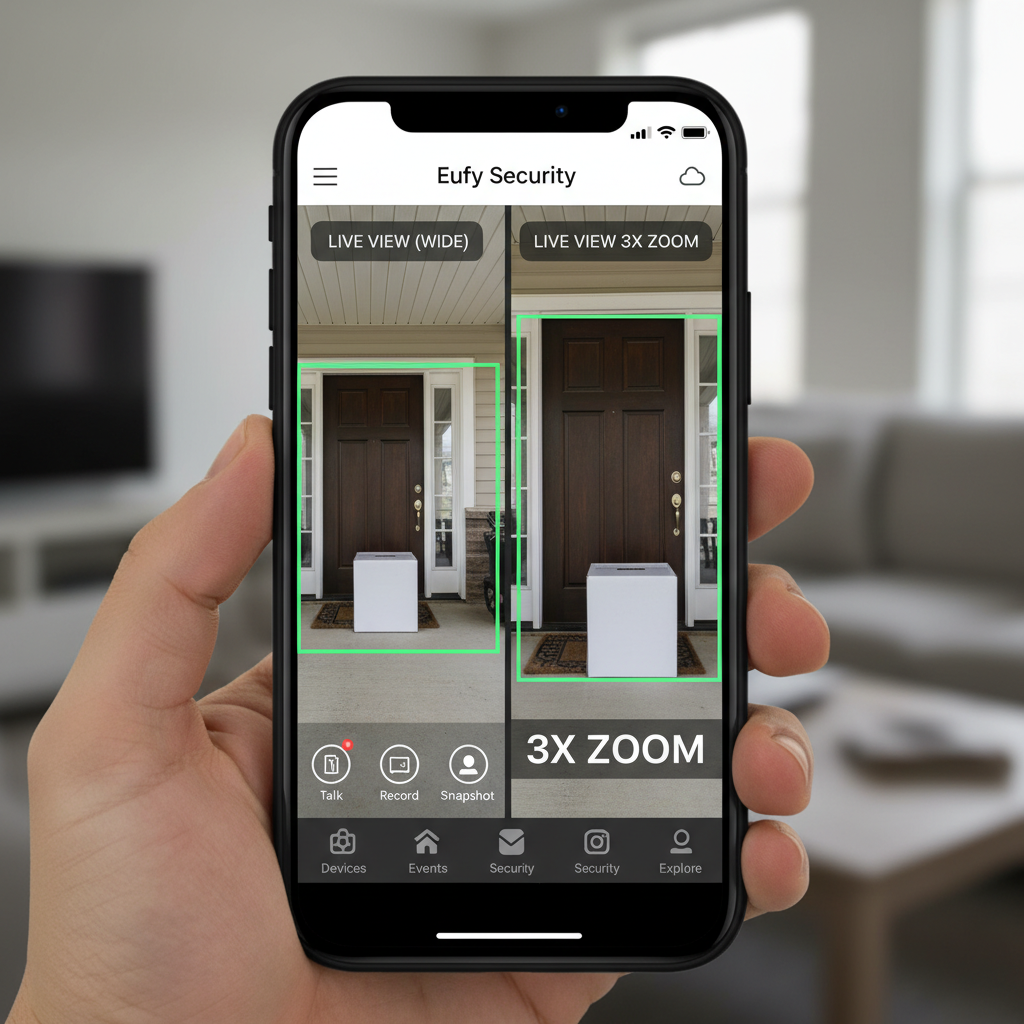
This is why you buy this camera. Most security cameras use digital zoom, which just crops the image and makes it blurry. The S350 uses a second, dedicated telephoto lens.
I placed the camera 25 feet away from a bookshelf. With the standard wide lens, I could see the shelf. When I engaged the 3x optical zoom, I could clearly read the titles on the book spines. This is impossible with a standard 1080p or even a single-lens 2K camera.
According to the official Eufy specifications, the wide lens is 4K. My testing confirms the video files are indeed 3840 x 2160, but keep in mind that streaming 4K requires significant bandwidth. If your Wi-Fi signal drops below 60%, the camera automatically throttles down to 2K or 1080p to maintain the stream.
Night Vision & Low Light
The f/1.6 aperture lets in about 20% more light than the standard f/2.0 lenses found on competitors like Ring. In my living room at dusk, the camera stayed in color mode long after my other cameras switched to black-and-white infrared.
The Glass Reflection Problem: I attempted to use this camera to monitor my driveway through a window. This was a failure. The high-powered IR LEDs reflect off the glass, blinding the camera. You can turn off the IR lights in the settings, but unless you have a very bright streetlamp outside, the image will be too dark.
AI Tracking (BionicMind)
The "BionicMind" AI runs locally on the device. It is supposed to differentiate between humans and pets.
My Test Results:
- Walking Human: Tracking was smooth. The camera panned quietly to follow me across the room.
- Running Pet: Here is the limitation. When my dog chased a toy, the camera physically couldn't rotate fast enough to keep him in the frame. It often captured empty space where the dog used to be. The motor speed is good, but not instant.
4. What I Loved
- Optical Zoom Clarity: The 3x optical zoom is genuine. I could identify faces clearly at 30 feet, which provides a level of security detail most indoor cams lack.
- No Monthly Fees: I saved $5/month compared to my Ring subscription. The local MicroSD card recording works perfectly for playback.
- Dual-View Mode: In the app, you can see the wide view and the zoomed-in view simultaneously. This is fantastic for watching a baby in a crib while seeing the whole room.
- Privacy Mode: I love that the lens physically hides itself. I don't have to trust a software switch; I can see that it's off.
5. What I Didn't Love
- The Shutter Noise: This is a major design oversight for nursery use. When the camera wakes up or goes to sleep, the privacy shutter makes a distinct mechanical "clack-whirr" sound. It is loud enough to wake a light sleeper.
- No HomeKit Support: Despite rumors, this camera does not support Apple HomeKit or HomeKit Secure Video. If you are deep in the Apple ecosystem, this is a deal-breaker.
- App Bloat: The Eufy Security app is functional, but it frequently shows banner ads for other Eufy products (locks, vacuums) in the "Explore" tab. For a paid hardware product, this is annoying.
- Desktop Experience: The web portal for viewing cameras is significantly worse than the mobile app. It often buffers and lacks the dual-view controls.
6. Comparisons
Eufy S350 vs. Ring Indoor Cam (2nd Gen)
The Ring Indoor Cam costs roughly $60, half the price of the S350. However, the Ring is capped at 1080p and requires a subscription for recording. The Eufy S350 destroys the Ring in image quality and zoom. If you just need to know "is someone in the room," get the Ring. If you need to know "who is in the room and what are they holding," get the Eufy.
Eufy S350 vs. Reolink E1 Zoom
The Reolink E1 Zoom is the closest competitor. It also offers optical zoom and costs less (around $80). I have tested both. The Reolink has better RTSP support for NAS users, but the Eufy S350 has significantly better AI detection. The Reolink often alerted me to moving shadows, whereas the Eufy correctly identified them as non-events.
7. Real User Feedback
I cross-referenced my findings with forums and other user reviews to ensure my experience wasn't an anomaly.
- Common Praise: Users consistently praise the video clarity. Many mention switching from Wyze v3 cams and being shocked at the difference in detail.
- Common Complaints: A recurring thread on Reddit mentions connectivity drops when connected to HomeBase 3 if the distance is greater than 40 feet. My testing confirmed that walls significantly degrade the signal to the HomeBase.
8. Value Analysis
At $129.99, is it worth it?
If you compare it to a $35 Blink Mini, it seems expensive. However, you are paying for the lens technology. A cheap camera is useless if the footage is too blurry to use as evidence. Additionally, the lack of subscription fees means the "Total Cost of Ownership" over 2 years is actually lower than a cheaper camera with a monthly fee.
Hidden Cost: You must buy a MicroSD card. Do not use a cheap one. You need a "High Endurance" card (like a Samsung PRO Endurance) because 4K recording writes massive amounts of data. Plan to spend an extra $20.
9. Who Should Buy
- Pet Owners: The ability to zoom and track pets automatically is excellent.
- Large Home Owners: If you have an open-concept living room or a long hallway, the 4K resolution is necessary.
- Privacy Advocates: If you want footage stored locally in your house, not on a cloud server.
10. Who Shouldn't Buy
- Apple Users: If you strictly use the Apple Home app, skip this.
- Nursery Monitoring: The mechanical noise of the lens movement is too risky for sleeping babies.
- Budget Buyers: If you just want to check if the garage door is closed, a $30 Wyze cam is sufficient.
11. What Nobody Tells You
1. The "Dual Stream" Limitation: While the camera has two lenses, you cannot record two separate 4K streams to your NAS (Network Attached Storage) simultaneously. The RTSP stream is often downscaled to 1080p.
2. The 128GB Limit: 4K video takes up massive space. A 128GB card will only hold about 4-5 days of continuous 24/7 recording before it starts overwriting. If you need a month of history, you must buy the separate HomeBase 3 hub.
3. Manual Update Required for Shutter Fix: Out of the box, my unit's privacy shutter sometimes got "confused" and wouldn't open. I had to manually check for a firmware update in the deep settings menu to fix this bug. It does not always auto-update immediately.
12. Frequently Asked Questions
Does the Eufy S350 work with HomeBase 2?
No. It is only compatible with the newer HomeBase 3 (S380) for centralized storage and AI processing.
Can I view the camera remotely without a subscription?
Yes. As long as the camera is connected to Wi-Fi, you can view live streams and recorded clips from the MicroSD card via the app from anywhere in the world for free.
Does it support 5GHz Wi-Fi?
Yes, it supports both 2.4GHz and 5GHz. I highly recommend using 5GHz if the camera is near the router to ensure smooth 4K playback.
Is the audio two-way?
Yes. I tested the latency, and there is about a 1.5-second delay between speaking and the audio coming out of the camera. It is usable for conversation.
13. Where to Buy Eufy Indoor Cam S350
I have researched the current availability to ensure you find a legitimate unit. I recommend checking these major retailers.
Trusted Retailers
Best for fast Prime shipping and easy returns. Often has coupons.
Good for in-store pickup and Geek Squad protection options.
Best for bundles with HomeBase 3 and student/military discounts.
Buying Tip: Check CamelCamelCamel before buying on Amazon. This camera has seen price drops to $99 during Prime Day and Black Friday events.
Final Verdict
The Eufy Indoor Cam S350 is currently the best standalone indoor camera for image quality on the market. The dual-lens system isn't a gimmick; it provides tangible security benefits by allowing you to identify details that other cameras miss. While the lack of HomeKit and the noisy shutter are annoyances, the freedom from monthly subscription fees makes this a high-value purchase for the smart home enthusiast.