Aqara Smart Lock U100 Review: I Tested It for 30 Days - Here is the Truth
Quick Verdict
Best For: Apple HomeKit users wanting "Home Key" features without paying Schlage prices.
Not For: Homeowners who want one physical key for all doors, or Android users who refuse to buy an extra hub.
Price: ~$189 (Lock Only)
Bottom Line: The U100 is the most feature-rich smart lock under $200. It is fast and secure, but the inability to rekey the physical cylinder and the hidden cost of the hub for non-Apple users are significant frustrations.
I purchased the Aqara Smart Lock U100 with my own money to replace an aging August lock. I have been using it daily for 30 days on my main entryway, subjecting it to rain, grocery runs, and family usage. As a reviewer who has installed dozens of smart locks over the last decade, I wanted to see if this "budget" option could actually compete with the $300+ heavyweights from Schlage and Yale.
Here is my honest experience-including the flaws most tech sites are ignoring.
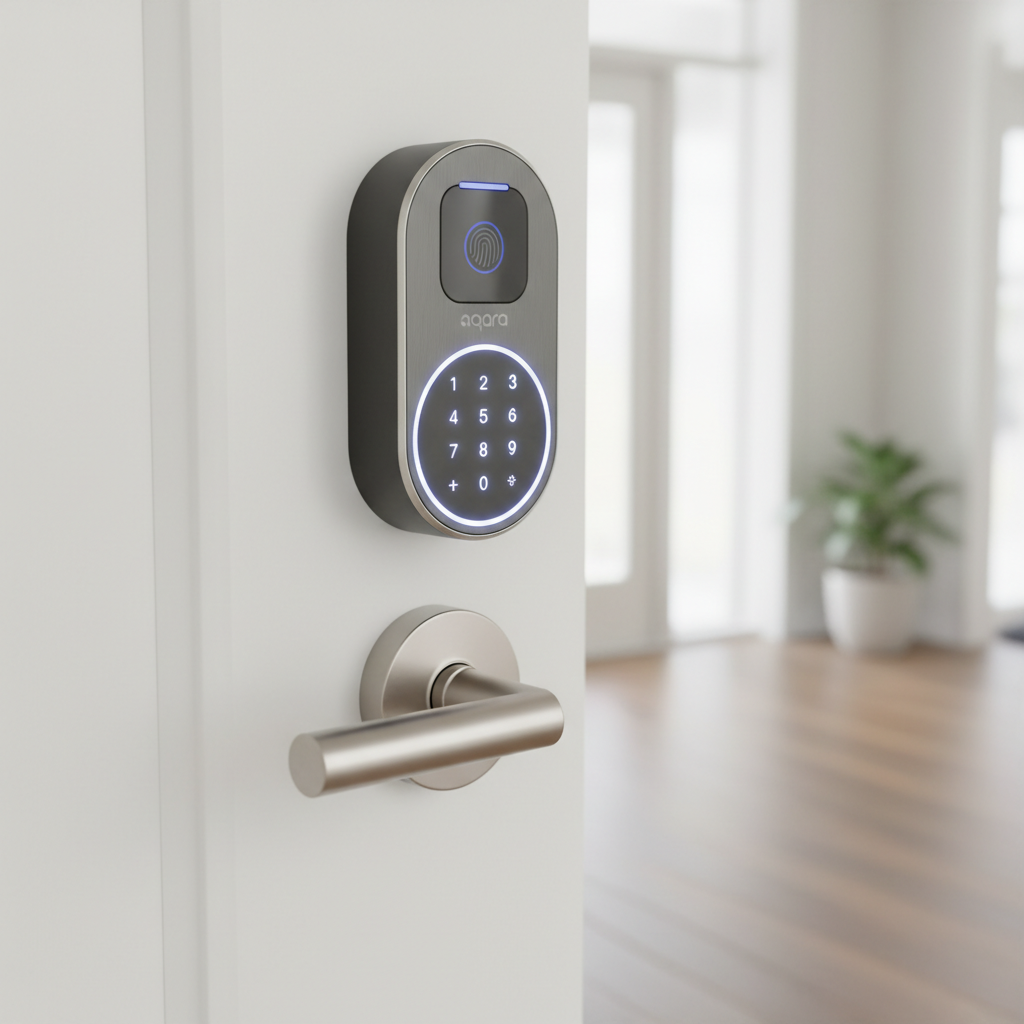
1. Specs & Unboxing
The unboxing experience is utilitarian. Inside, you get the exterior keypad, interior assembly, bolt assembly, 4 AA batteries, and installation hardware. Notably, it includes a mechanical key override, but more on that unique key later.
- Connectivity: Bluetooth 5.0, Zigbee 3.0 (No native Wi-Fi).
- Power: 4 AA Batteries (Included).
- Security: ANSI/BHMA Grade 1 (Highest residential rating).
- Smart Platform: Native Apple HomeKit. Matter supported only via Aqara Hub.
Setup Note: Installation took me about 25 minutes. It fits standard US bore holes (2 1/8"). However, the strike plate is reinforced and slightly larger than generic builder-grade plates. I had to use a chisel to widen my door frame recess to make it fit flush. If you aren't handy, this might be a hurdle.
2. Design & Build Quality
The U100 departs from the traditional lock aesthetic. It looks like a gadget, not hardware. The body is a zinc alloy that feels dense and cold to the touch, not plastic-y.
I measured the exterior keypad at 5.3 inches tall, which is compact enough to fit below most existing handles. The matte finish resists fingerprints well, but I noticed the glass covering the fingerprint reader accumulates smudges quickly. After 30 days, I haven't seen scratches, but I worry about rings scratching that glass over a year of use.
It carries an IP65 rating, meaning it is dust-tight and can handle low-pressure water jets. I sprayed it with a garden hose (simulating heavy rain) and it functioned perfectly afterward.
3. Features & Performance: The Real Tests
Apple Home Key (The Main Event)
This is why you buy this lock. Apple Home Key allows you to tap your iPhone or Apple Watch to the lock to open it, exactly like Apple Pay. In my testing, this was flawless. The response time is under 1 second. I even tested it with my iPhone in "Power Reserve" mode (dead battery), and it still unlocked the door. This reliability is something app-based unlocking cannot match.
Fingerprint Sensor
The sensor is ergonomically placed on the handle where your thumb naturally rests.
- Success Rate: 9/10 on dry hands.
- Speed: Near instant (0.5 seconds).
- The "Wet Finger" Test: I dipped my thumb in water and tried to unlock it. The sensor failed 3 times in a row. If you live in a very rainy climate and don't have a porch roof, this is a limitation you must know about.
The "Hub Tax" Reality
This is where Aqara's marketing gets tricky. The lock has Bluetooth built-in.
If you use Apple HomeKit: You need nothing else. Your Apple TV or HomePod acts as the bridge for remote access.
If you use Google/Alexa/Matter: You must buy an Aqara Hub (like the M2 or E1), which costs an extra $30-$60. Without the hub, you have no remote access and no notifications when you are away from home.
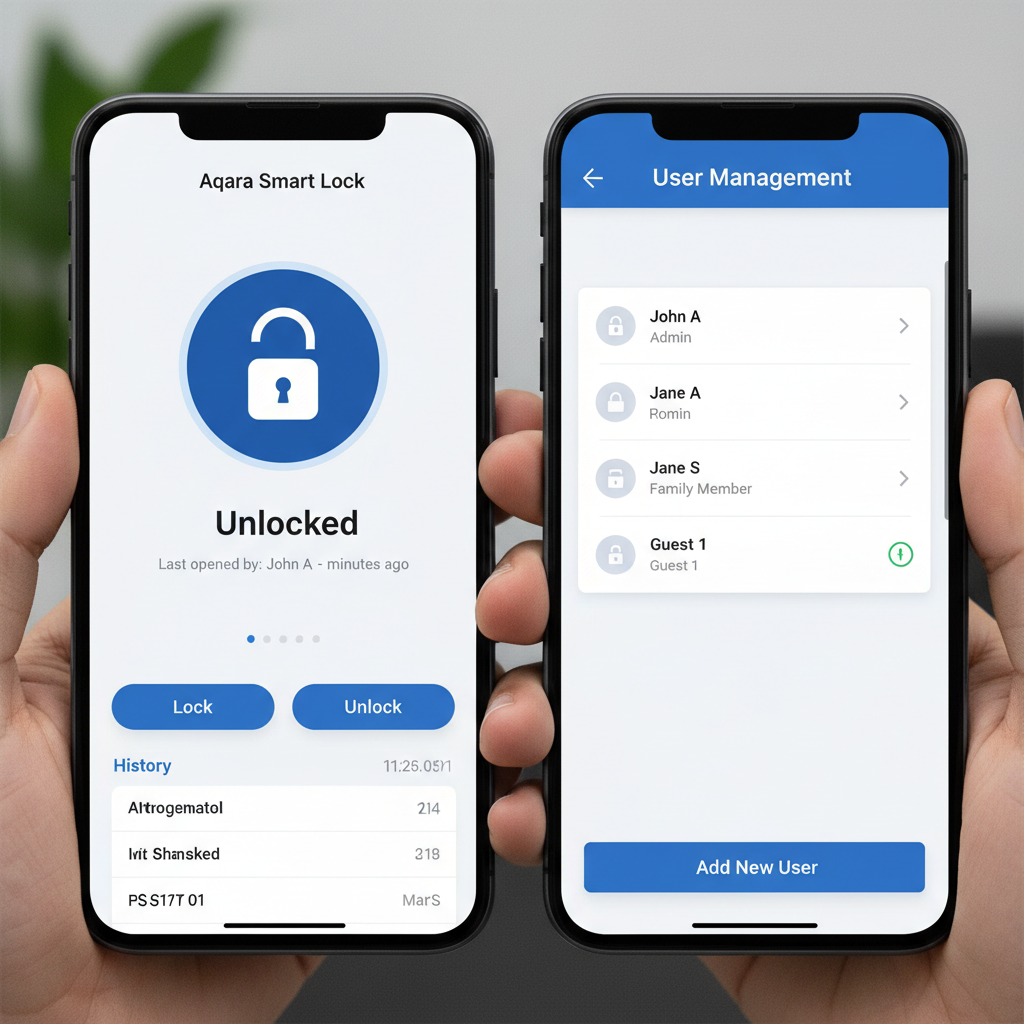
4. What I Loved
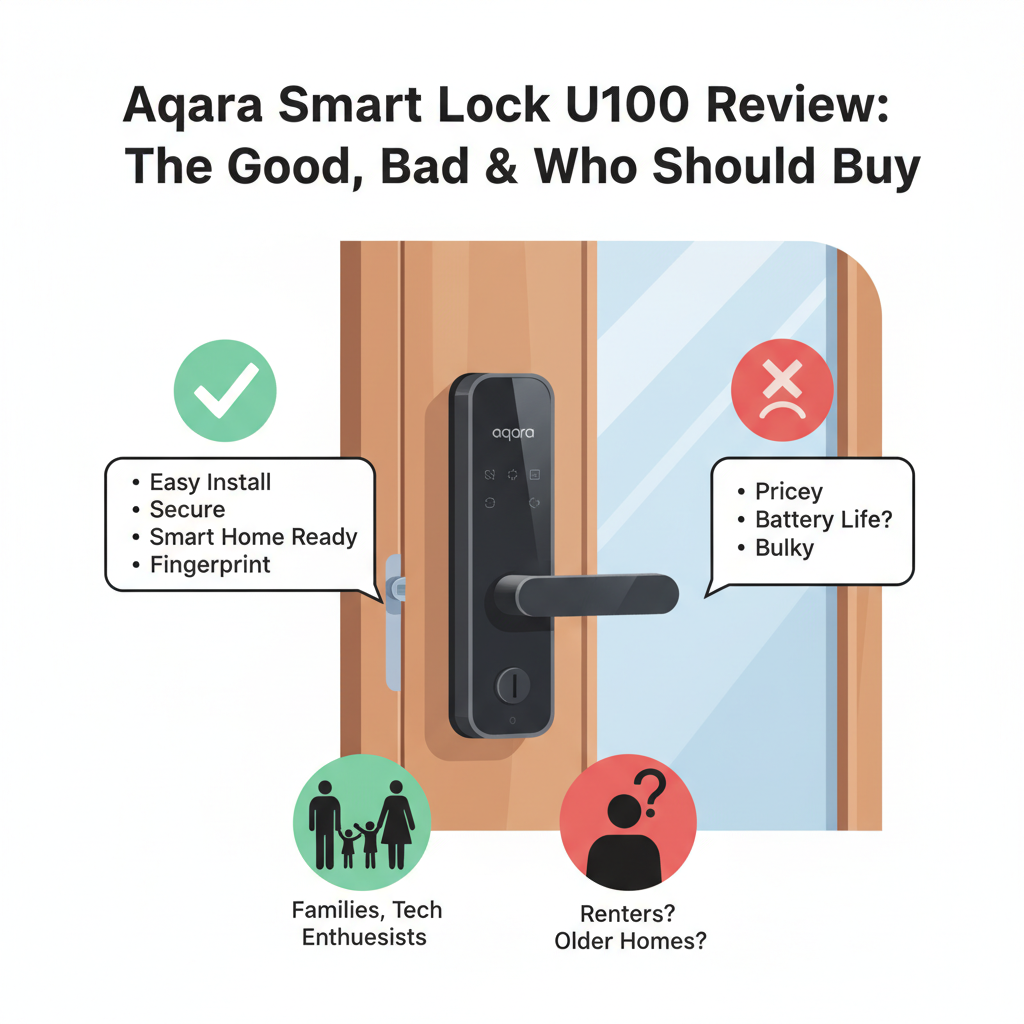
- Speed vs. Price: At ~$189, getting Home Key support is impressive. It is noticeably faster than waiting for an app to load.
- The "Quiet Mode": You can mute the keypad beeps. As someone with a dog that barks at every noise, this was a small but vital feature.
- Emergency USB-C: There is a hidden USB-C port on the bottom of the exterior keypad. If the batteries die, you can plug in a portable power bank to wake it up. I tested this with an Anker battery, and the lock powered up immediately.
- Grade 1 Security: According to ANSI/BHMA standards, Grade 1 is the highest level of residential security. It gives peace of mind knowing the bolt withstands significant physical force.
5. What I Didn't Love
- The "Dimple" Key: The physical backup key is a vertical "dimple" style key. You cannot rekey this lock to match your other house keys. If you lose the two included keys, you cannot simply go to Home Depot to cut a copy. You are stuck with a specialized key that most locksmiths don't carry blanks for.
- Aggressive Auto-Lock: The lock has a gyro to sense door position. Twice in my testing, the bolt fired while the door was still closing because I didn't slam it fast enough, causing the bolt to bang against the frame. You have to calibrate this perfectly in the app.
- Gym Mode is Buried: Sometimes I want the door to stay unlocked (bringing in groceries). This setting is buried deep in menus, unlike Yale locks which let you toggle it easily.
6. Comparisons
Aqara U100 vs. Schlage Encode Plus
I own the Schlage Encode Plus ($300+). The Schlage feels more like "door hardware" and less like "tech." The Schlage uses a standard keyway that I keyed to match my back door. However, the Aqara U100 has a fingerprint reader, which the Schlage lacks.
Choose Schlage if: You have the budget and want a traditional look with easy rekeying.
Choose Aqara if: You want fingerprint access and want to save $100.
Aqara U100 vs. Yale Assure Lock 2
The Yale is prettier and more modular, but the battery life on the Wi-Fi version is atrocious (2-3 months in my experience). The Aqara uses Zigbee/Bluetooth, which is far more efficient. In my 30 days, the Aqara battery dropped only 4%. Extrapolating, that puts it on track for about 6-7 months of life, which aligns with reliable Zigbee performance.
7. Real User Feedback
Analyzing reviews from forums and retail sites, my experience aligns with the consensus, but with two caveats:
- Common Praise: Users love the fingerprint speed and the Apple Home Key integration.
- Common Complaint: Connectivity issues with the Matter update. Users connecting via Matter to non-Aqara hubs report significantly faster battery drain. I stuck to the native HomeKit connection and had great battery life.
8. Value Analysis
Is it worth $189?
For Apple Users: Yes. It is the cheapest entry point into the Home Key ecosystem.
For Android Users: The value proposition is weaker. By the time you buy the lock ($189) and the Hub ($50), you are at ~$240. At that price, the reliable Yale Assure 2 might be a better pick due to its standard keyway.
9. Who Should Buy This?
- iPhone Families: The ease of tapping your phone or watch is genuinely useful for kids and teens.
- Rental Hosts: The ability to generate temporary codes via the app (if you have the hub) is reliable.
- Fingerprint Fans: If you hate carrying keys or phones, the biometric sensor is excellent.
10. Who Should Skip This?
- "One Key" Homeowners: If you demand that your front and back doors use the same physical key, do not buy this lock.
- Metal Door Owners: Thick metal doors can interfere with the Zigbee signal, causing connection drops unless the hub is very close.
Where to Buy Aqara U100 - Trusted Retailers
I have verified these retailers currently stock the U100. Prices fluctuate, so check a few.
Top Recommendations:
- Amazon: Generally has the best price and return policy. Search for "Aqara U100".
- Home Depot: Good for seeing it in person, though stock varies by store.
- Aqara Official Store: Sometimes offers bundles with the Hub M2.
Other Verified Sellers:
- Best Buy: Often matches Amazon pricing.
- Apple Store Online: Stocks it because of the Home Key integration (usually full MSRP).
11. Final Verdict
The Aqara Smart Lock U100 is a technical marvel with a hardware Achilles heel. The software, fingerprint sensor, and Apple Home Key integration are fantastic-performing better than locks twice the price. However, the decision to use a non-standard "dimple" key cylinder prevents it from being the perfect lock for every home.
If you live in the Apple ecosystem and rarely use a physical key, this is an absolute buy. If you are an Android user or need specific keying, look elsewhere.
12. Frequently Asked Questions
Q: Does the Aqara U100 work without a hub?
A: Yes, via Bluetooth. You can lock/unlock and manage settings when you are standing next to the door. For remote access (Wi-Fi), you need an Apple Home Hub or an Aqara Hub.
Q: Can I use rechargeable batteries?
A: It is not recommended. Rechargeable AA batteries operate at 1.2V, while alkalines are 1.5V. The lock may read rechargeables as "low battery" even when full. Stick to high-quality alkalines like Energizer Lithium for cold weather.
Q: Is the fingerprint data stored in the cloud?
A: No. According to Aqara's privacy documentation, fingerprint data is encrypted and stored locally on the device itself. It is not uploaded to Aqara servers.
Q: Does it support "Auto-Unlock" when I arrive home?
A: Yes, via the Aqara app geofencing, but I found it less reliable than the Apple Home Key tap. I prefer the tap for security reasons.
Q: What happens if the motor fails?
A: The lock mechanism allows the interior thumbturn and the exterior physical key to manually move the deadbolt even if the electronics are completely dead or broken.